Skip to content
Cameras

Fleet dashcams and cameras

Get the full picture with Clarity. When something goes wrong, you need to see what actually happened. And with AI-powered cameras, you can catch warning signs like fatigue or distraction before they lead to an incident.

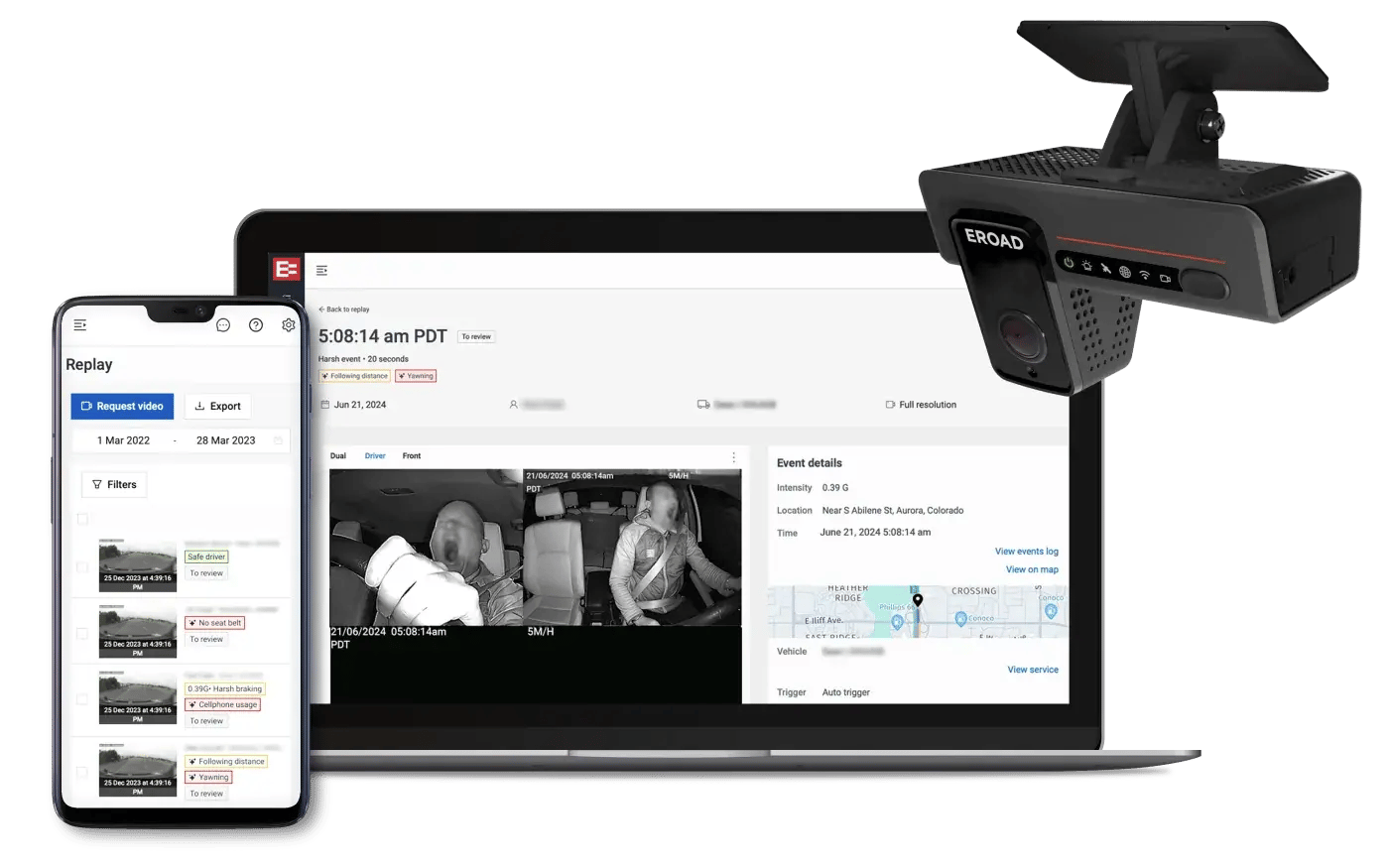
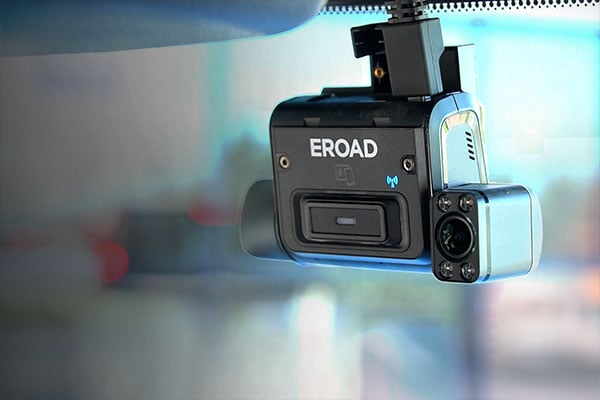
The Clarity Edge dashcam with the Replay video portal on a laptop and phone

Why dashcam footage matters

A complaint, an insurance claim, a near miss nobody agrees about. With Clarity, you don't have to rely on eyewitness accounts, or decide who to believe. You can see exactly what happened - and quickly. 

Clarity Edge AI cameras can also spot the signs a driver won't notice in themselves - eyes closing, frequent blinking, distraction - and alert them in the moment, with a notification back to your team so you can check in.

Benefits

What you'll be able to do

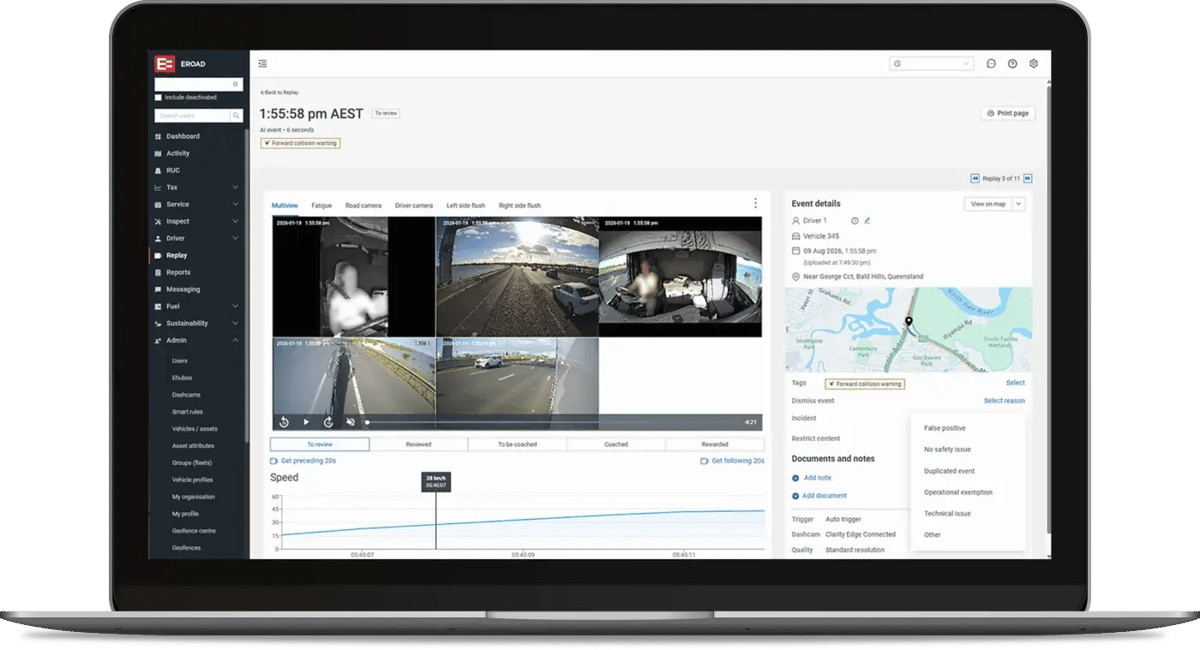
Replay is your video viewing module. Built in the same platform where you view your fleet activity and reporting. Coaching and incident investigation become much faster, because you have video, location, vehicle activity, trip data and driver details linked together.

Back your drivers

In the event of a complaint or incident, video and trip data quickly build a picture of exactly what happened - so you can exonerate not-at-fault drivers quickly.

Coach with real examples

Each clip arrives tagged with what set it off, hard braking or fatigue for instance. Filter for the riskiest behaviour and you'll know which conversations to have first.

Protect driver privacy

Clarity dashcams help protect driver privacy. Clips upload when: a driver pushes the button, a harsh event triggers it, or AI detects a monitored behaviour.

Reduce accidents

Clarity Edge detects and alerts drivers to potential risks, including fatigue, distraction, or tailgating. Helping them to take action in the moment and keeping your team in the loop.

Replay dashcam portal

Replay is EROAD's video portal, built to make finding, reviewing and acting on footage as quick as possible.

  • Smart tags. Colour-coded tags are added automatically by event type or behaviour.
  • Request the next clip. One click brings up the previous or next 30 seconds.
  • Filters. Narrow the event list by driver, vehicle, event type and more.
  • Workflows. Flag higher-risk behaviours for review automatically.
  • Gallery view. See every camera angle side by side.
Multicam event details in the Replay portal
Customers

How BOC successfully rolled out dashcams

The goal was for us to have informed conversations with our drivers and help them understand how they could become better and safer.

BOC rolled out dashcams to their fleet with a focus on improving driver safety

BOC
FAQ

Frequently asked questions

Yes. Coaching programs that combine video footage with real-time driver alerts have been shown to reduce accidents by up to 60%, according to independent research. A dashcam on its own is just a recorder — the safety benefit comes from pairing that footage with in-the-moment alerts and regular coaching, so drivers get feedback based on what actually happened, not just a policy on paper.

No — Clarity cameras are built to protect drivers, not monitor them constantly. Footage only uploads when a driver presses the manual record button, a harsh driving event triggers it, or AI detects a specific behaviour like fatigue or distraction. There's no constant live streaming back to the office, and audio recording is switched off by default.

A short clip is uploaded automatically when a harsh driving event happens (like hard braking), when AI detects something like fatigue, or when a driver chooses to record something manually. That means you get the footage that matters, without drivers needing to remember to hit record.

For incident investigation, a limited amount of continuous footage can be requested from the dashcam but how long its available is dependent on plan and SD card choice. Continuous recording is not uploaded by default.

A standard dashcam captures and uploads footage automatically after a harsh driving event - useful evidence for coaching and incident investigation after the fact.

An AI dashcam goes further: it actively watches for signs of fatigue and distraction in real time, even through sunglasses, and gives the driver a voice alert in the moment, with your team notified at the same time - so you can step in before something goes wrong, not just review it afterwards. 

Yes. Video footage combined with location, speed and trip data gives you an objective record of what happened, rather than relying on driver or witness memory, which is often unreliable after a stressful event. This typically means insurance claims move faster and drivers who weren't at fault can be cleared sooner.

EROAD customers have even handed over dashcam footage at the scene of road accidents which cleared the driver of any wrongdoing immediately.

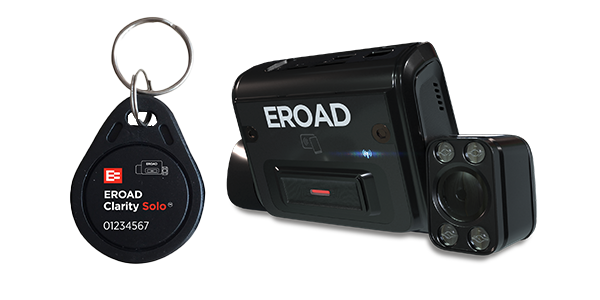
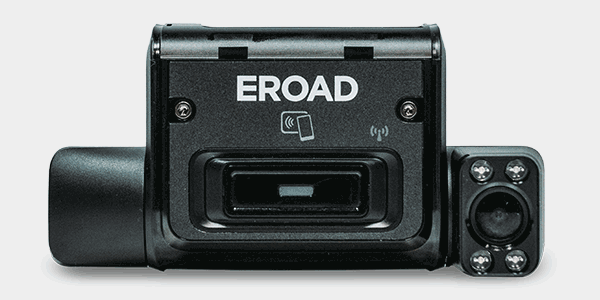
It depends on the camera. Some EROAD dashcams work as a standalone unit with no other device needed like Clarity Solo. Others are designed to work alongside a telematics device, combining video with your vehicle's location and driving data in one view. If you're not sure which set-up suits your fleet, that's exactly what a demo with us will help clarify. 

Find the right camera for your fleet

In a demo, we'll show you how footage shows up in the platform with all its trip data and help you decide which camera suits your fleet.