Skip to content
Standalone dashcam

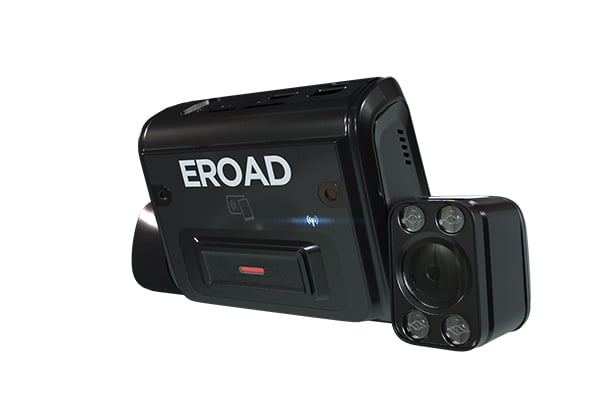
Clarity Solo dashcam with GPS tracking

When something goes wrong on the road, you need to know where the vehicle was and what actually happened. Clarity Solo tracks your vehicles and uploads video automatically when there's a harsh event like hard braking.

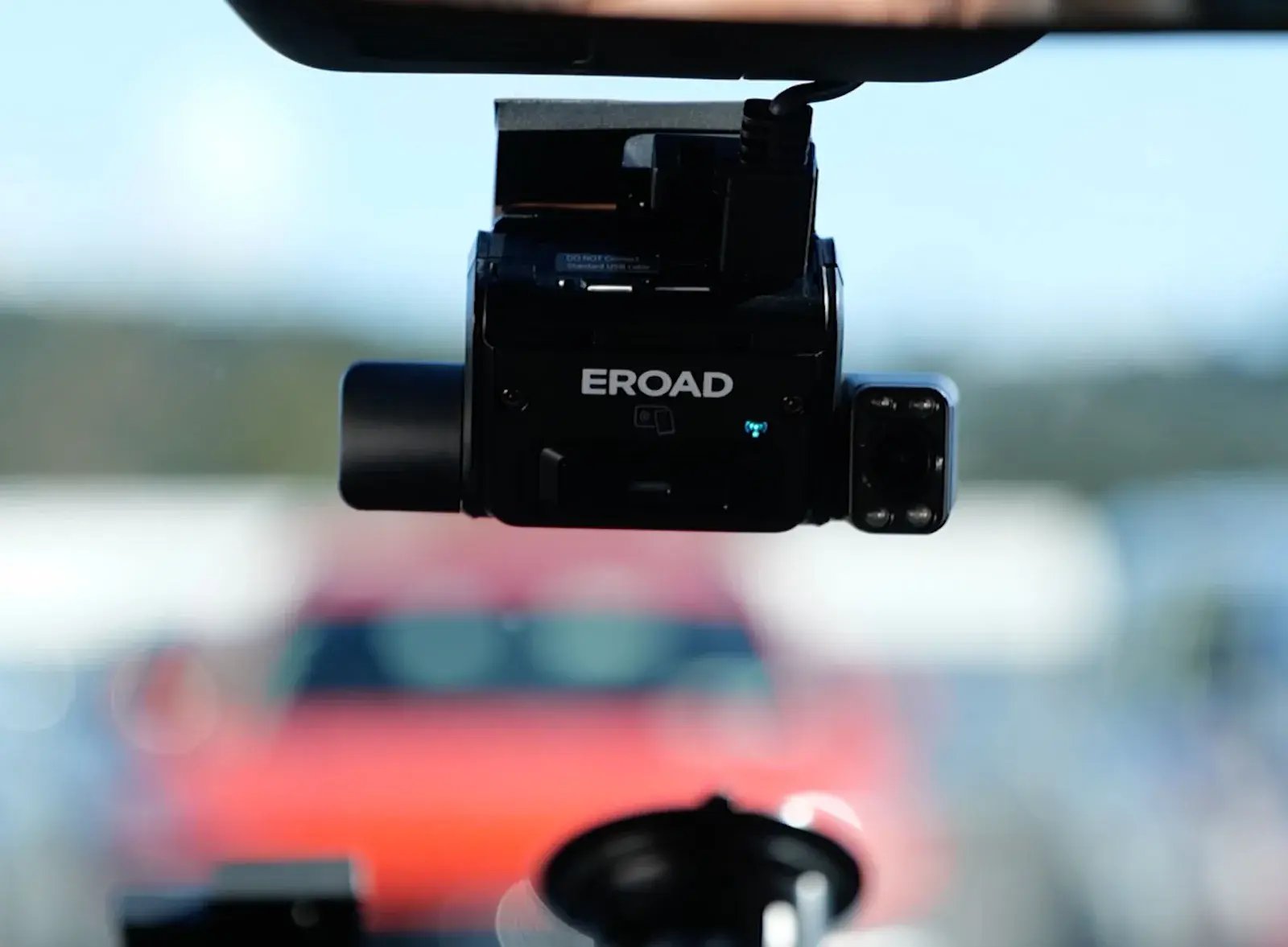
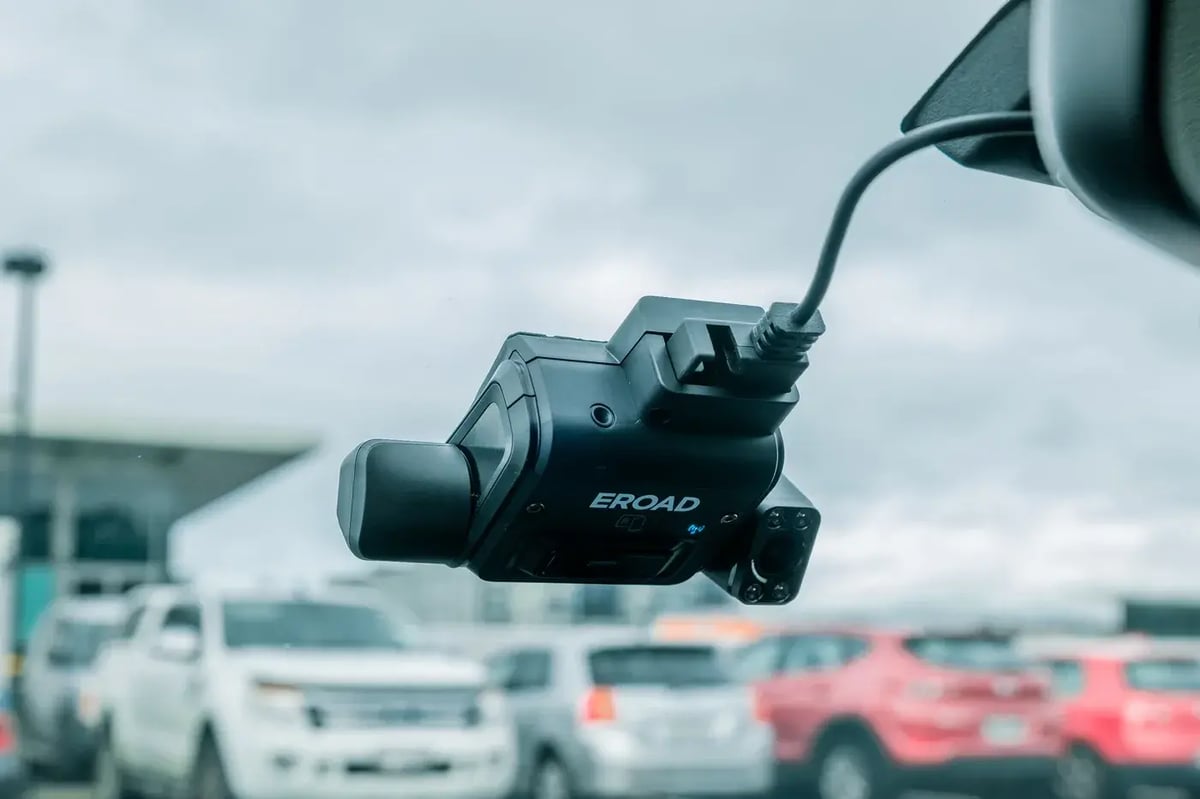
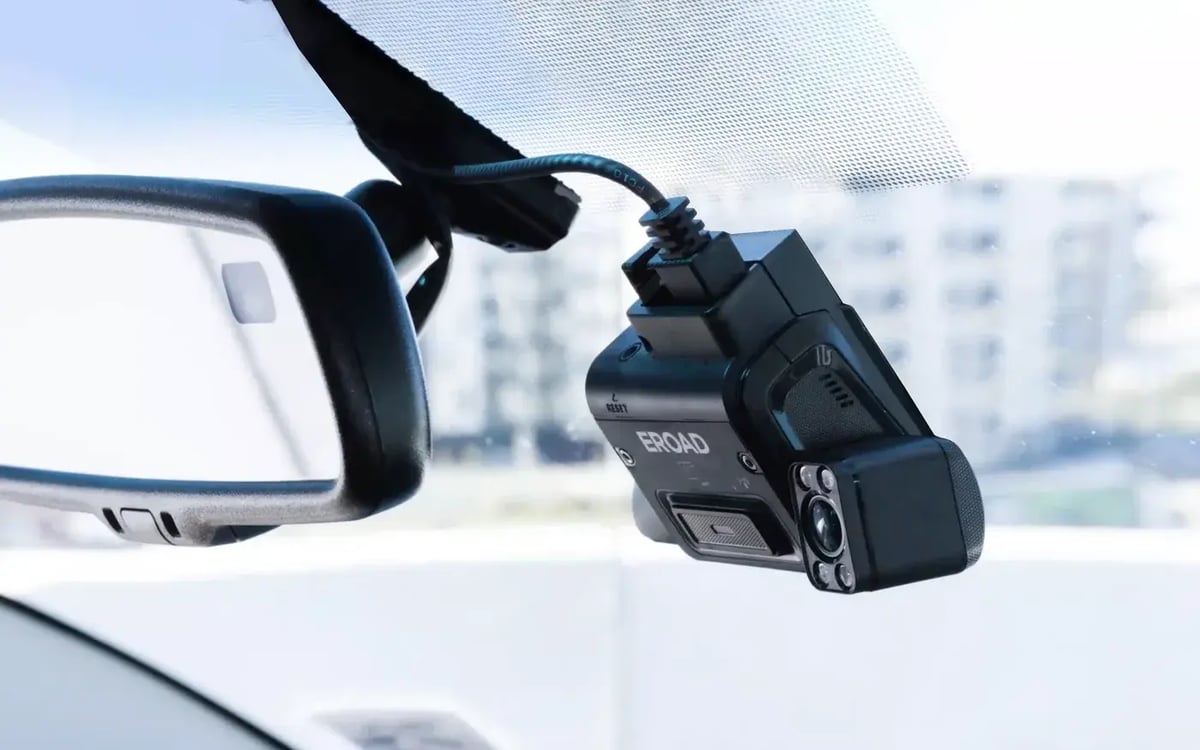
An EROAD Clarity dashcam on a windscreen, seen from inside the vehicle, with its small driver-facing camera beside the main unit

Video, location and trip data - all in one screen, from one device

When your driver gets a complaint, has a near miss, or gets into a dispute over who was at fault - you need more than someone's word for it. And if you don't already have a tracking device fitted, adding a camera on its own only tells half the story: you'll have footage, but no location, speed or driving data to go with it.

Clarity Solo gives you both in one unit, so you get video evidence and the trip data behind it, without installing and paying for two separate systems.

" loading="lazy" title="Video" allow="autoplay; fullscreen; picture-in-picture" allowfullscreen>
Benefits

How Clarity Solo helps your fleet

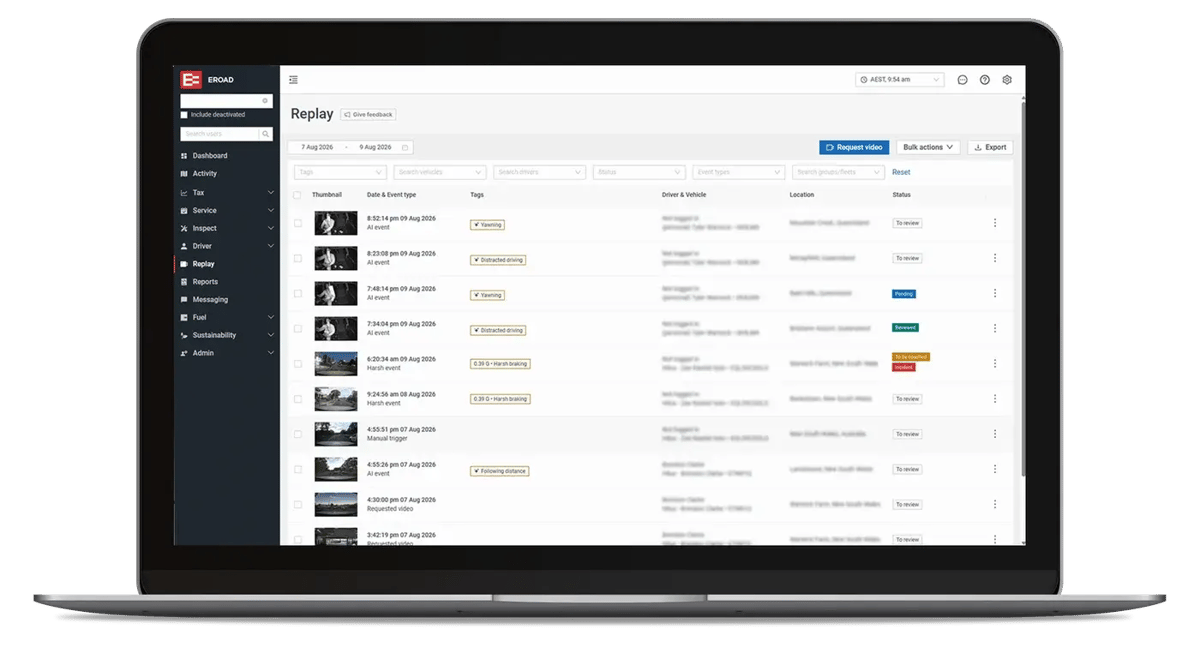
After an incident, you need more than the driver's recollection, because memory under stress is unreliable, even for the person who was there. Clarity Solo puts the footage in MyEROAD next to the location and speed, so you can work out what happened sooner and clear a driver who wasn't at fault. The rest of the time, it shows you where your vehicles are and where they've been.

See where every vehicle is

Every vehicle on the MyEROAD map as it moves, plus where it has been and when it stopped.

Video captured automatically

Video uploads when a harsh event happens, so it's in MyEROAD when you go looking.

Coach drivers with video

Coaching starts from a clip that's already tagged with what set it off. The riskiest behaviour is the easiest to find.

Features

Clarity Solo features

GPS tracker and dashcam in one

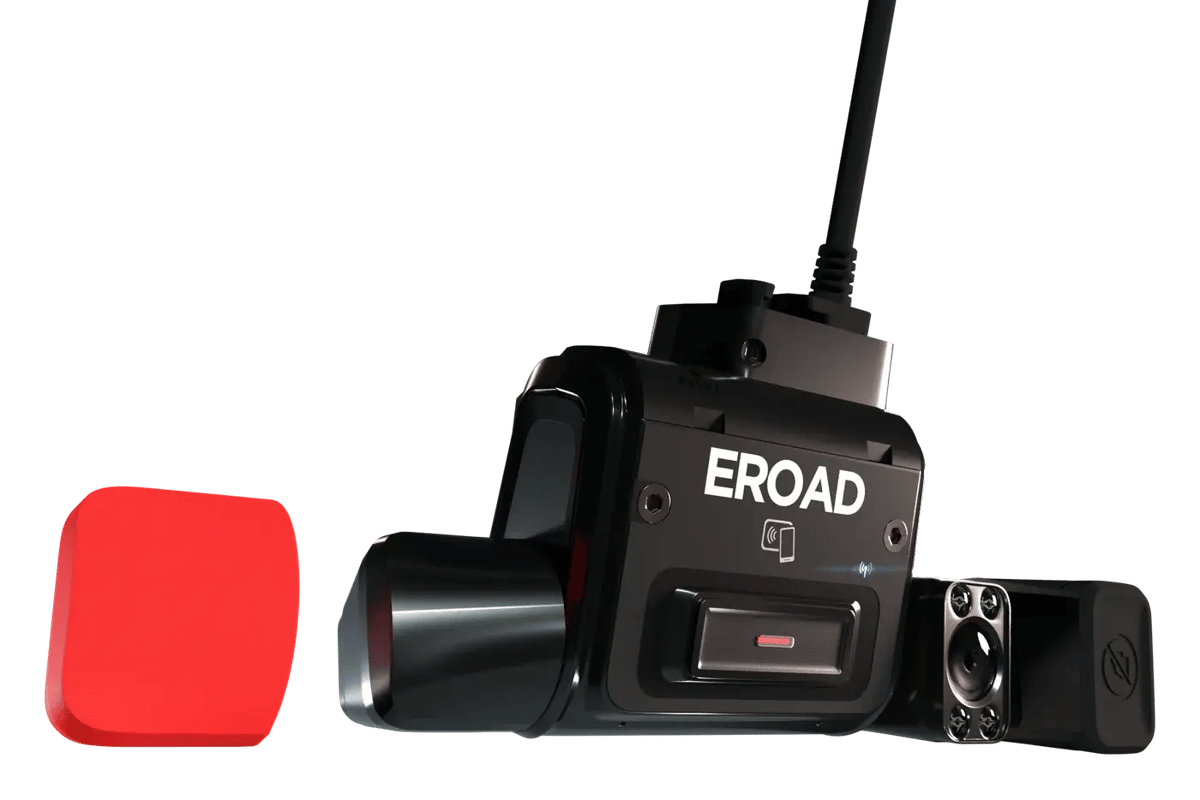
Solo is GPS tracking and event-triggered video in one windscreen unit that feeds MyEROAD. If you already run EROAD vehicles it joins them on the same map and in the same reports, and if you don't, it works perfectly well on its own.

  • Real-time GPS into MyEROAD
  • HD video on harsh events

Automatic video on harsh events

A hard brake, and the upload starts without anyone asking it to. The clip is in MyEROAD while the vehicle is still on the road, so you're not waiting for the driver to get back to the depot.

  • Clips tagged with the behaviour that triggered them
  • Dashcam health across the fleet, so issues can be picked up before an incident

Know who was driving

A driver taps a fob to log in, and from then on the video and trip data have a name on them. There's a report on who's logging in, so you can see whether your drivers are actually doing it. And if you ever have to show you took reasonable steps under Chain of Responsibility, that record is part of it.

  • Tap a fob to log in
  • Video and trip data tied to the driver, not just the vehicle
  • A report on who logged in, and when

Privacy for your drivers

No video streams live, and nobody is watching a feed from the vehicle. Footage uploads on its own only when there's a harsh event.

  • Footage uploads on events, not continuously
  • A button the driver can press is an optional add-on

Included in MyEROAD

Clarity Solo sends video, location and telematic data to MyEROAD, where you can view fleet activity as well as safety and efficiency reporting.

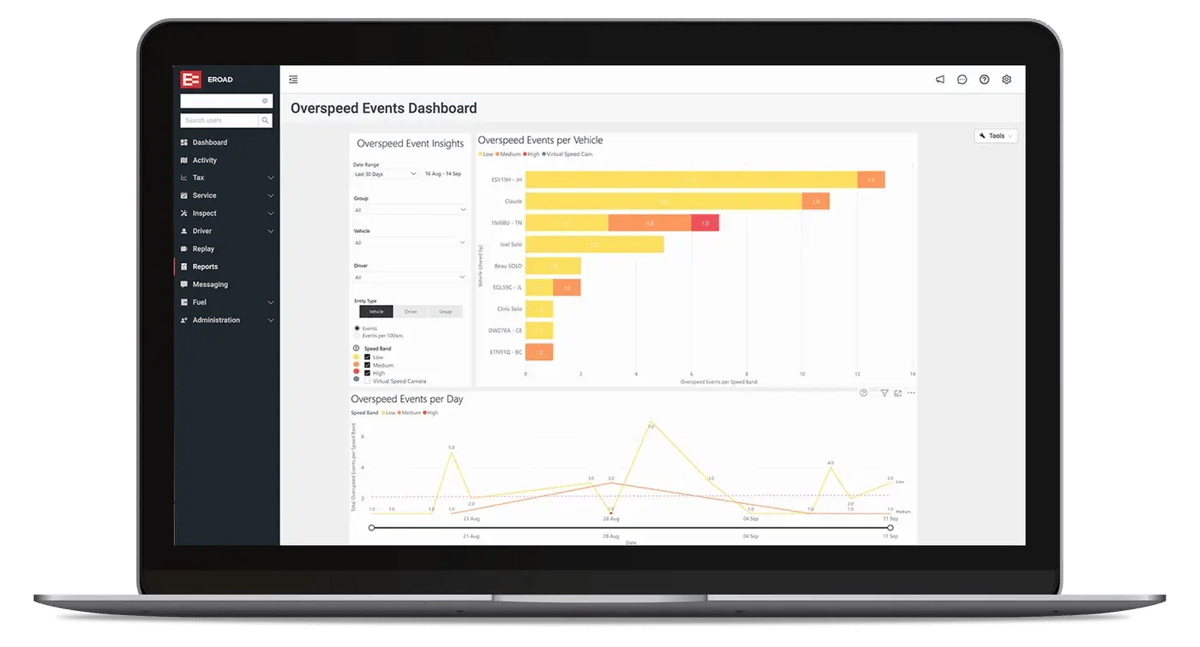
  • An overspeed dashboard, and an alert when a vehicle breaches your limit
  • Virtual speed cameras for site-specific limits
  • Fleet hierarchy groups for reporting and permissions

Choose how you pay for footage

Clarity Solo and Clarity Get run on the same device - the only difference is how you pay for footage. Clarity Solo includes unlimited clip downloads for one monthly subscription. Clarity Get has a lower monthly subscription, and you pay per clip only when you download one — ideal if you don't need to review footage often.

  • Clarity Solo - unlimited clip downloads
  • Clarity Get - pay-as-you-go clips

Plan options for Clarity Solo

There are two plan options for Clarity Solo.

Clarity Solo

All-in-one telematics and dashcam with unlimited video downloads.

Product information

Clarity Get

All-in-one telematics and dashcam - with pay-as-you-go video downloads, for a lower monthly subscription.

Product information
Customers

What drivers think of EROAD dashcams

We haven't had any pushback on the camera from our drivers.

Natalie at Frews Transport, a New Zealand fleet, says that if you're worried about having a camera in the vehicle, very little footage comes up on its own, and it's less intrusive than you expect.

Natalie Frews Transport
How it works

Getting started with Clarity Solo

1

Mount the device

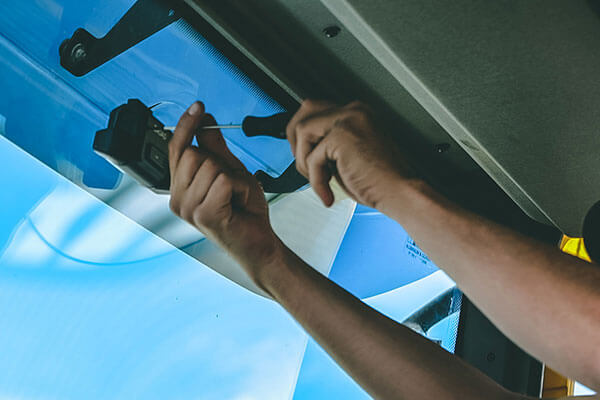
One compact unit on the windscreen, instead of a separate tracker and camera.

2

It tracks and records

GPS streams continuously, and video records when there's a harsh event. The device updates itself over the air.

3

Review in MyEROAD

Event details put location, speed, stops and the footage on one screen.

Choose the right camera for your fleet

Tell us about your vehicles and we'll walk you through Clarity Solo in MyEROAD, from the live map to a clip in Replay. If you mostly need tracking and only the odd clip, Clarity Get runs on the same device.