Skip to content
Clarity Edge Multicam

Side and rear cameras for your fleet

A front-facing dashcam shows you the road ahead, but not a sideswipe or what was behind the vehicle when it reversed. Clarity Edge Multicam adds rear and side cameras to a Clarity Edge dashcam, so when a harsh event happens you get footage from those angles as well as the front. 

Cameras
Rear and side
Needs
A Clarity Edge
In-cab display
Optional

Trusted by fleets across Australia and New Zealand

Aramex Downer Porter Group Conroy Removals Open Country Dairy Refrigafreighters Lipp's

Blind spots make incidents harder to investigate

Blind spots aren't only a problem for the driver. When something happens down the side or at the back and there's no footage of it, working out who was at fault takes longer. So does the insurance claim.

Why it helps

How Multicam helps your fleet

With the optional in-cab display, your drivers get a live view down the sides and behind the vehicle when they change lanes or reverse. After a harsh event, you get footage from more than one angle, so it's easier to work out what happened and who was at fault.

Evidence from more than one angle

You can see a harsh event from the side or the back, as well as the front.

A live view for your drivers

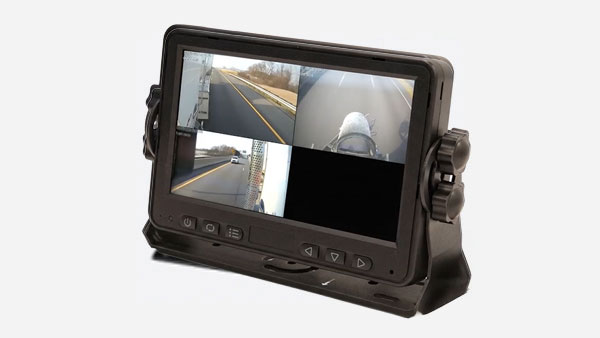
The optional in-cab display shows the side and rear cameras live. Handy in a crowded yard.

Ready when a claim comes in

The clips are already there when someone asks for them. Your insurer gets what it needs sooner.

What it does

Clarity Edge Multicam features

See into the blind spots

The rear and side cameras look into the spots a driver can't see from the seat. Fit the optional in-cab display, a full-colour screen, and the driver gets a live feed from them for lane changes and tight manoeuvres.

  • Rear and side cameras for your Clarity Edge
  • A live view in the cab, with the optional display
  • Safer lane changes and tight manoeuvres

Fatigue alerts need Clarity Edge AI

Fatigue and distraction alerts come from Clarity Edge AI, which talks to the driver when it spots them. The side and rear cameras are there for video. If you want the alerts as well, choose Clarity Edge AI as the dashcam your Multicam cameras connect to.

  • Voice alerts for fatigue and distraction, on Clarity Edge AI only
  • Side and rear cameras for video

Faster investigations

After a harsh event, the clips from each relevant camera upload on their own. If there's any doubt about fault, the side or rear angle may be what settles it.

  • Clips upload automatically
  • Side and rear footage alongside the front camera's
  • Another angle when fault is in dispute

Simplify coaching

Each clip arrives tagged with what set it off, like hard braking. When you sit down with the driver, you can both look at the side or rear view as well as the road ahead.

  • Tagged with the trigger
  • Side and rear angles to coach from
How it works

Set up Multicam to suit each vehicle

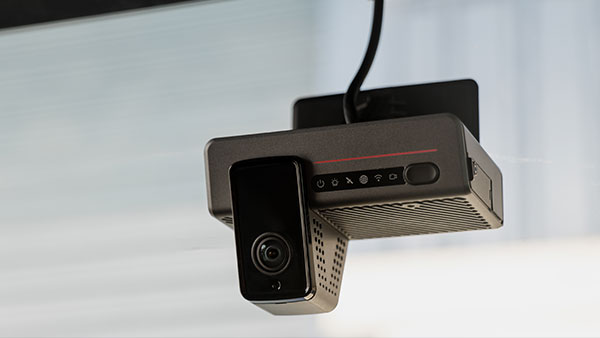
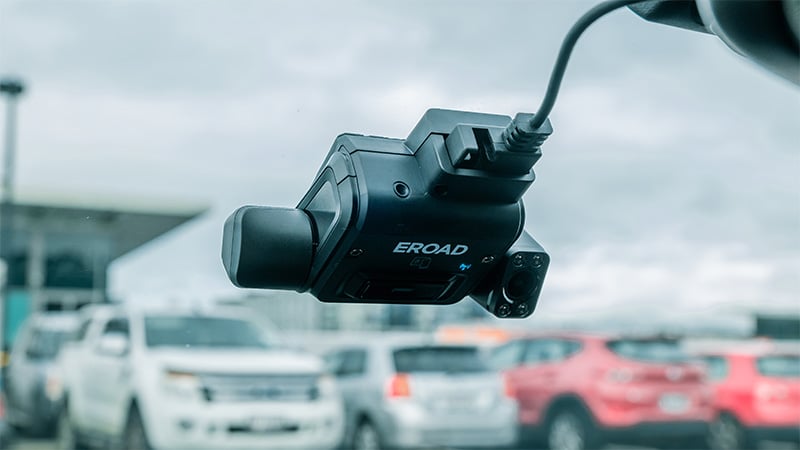
The EROAD Clarity Edge AI Dashcam unit
1

Start with a Clarity Edge

Either Clarity Edge will do, AI or not, as long as it's on an Ehubo2 or CoreHub. Only the AI one gives fatigue and distraction alerts.

A grid view of four different camera angles
2

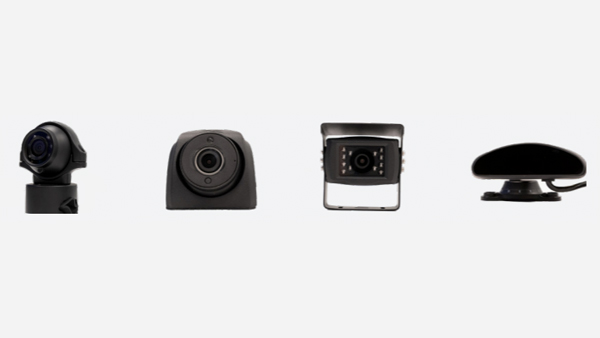
Choose your cameras

Pick from the Rear Camera, Side Rail Camera and Side Flush Camera. More than two extra cameras? They connect through the Multicam Expander Box.

An in-cab display showing a live camera view
3

Add the in-cab display

Want the driver to see them too? Add the optional in-cab display for a live view.

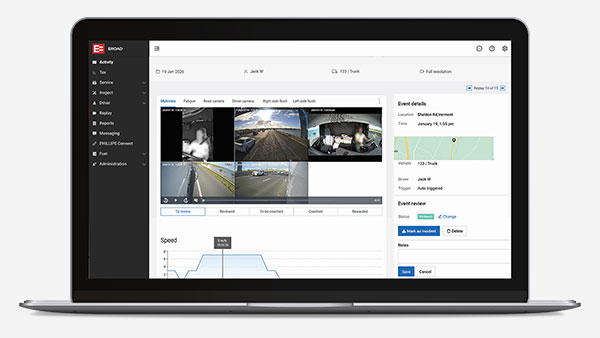
Multicam footage in the EROAD platform
4

Review the angles together

The front, side and rear clips from an event sit together on one screen, with the trip data.

Find out which cameras suit your vehicles

Tell us what's in your vehicles now and we'll show you which side and rear cameras would suit them, and whether the in-cab display is worth adding.