Skip to content
Solutions · Efficiency

Fleet dispatch and logistics

Deciding who takes the next job shouldn't mean flicking between screens and ringing round your drivers. EROAD brings location, driver and vehicle details together for your dispatch team, so you can give each job to the right driver and send them on a route that suits the vehicle.

AUS-Reefer-truck-transport-logistics

Give every job to the right driver, without the guesswork

Choosing who takes a job means weighing up the job type, what each vehicle can carry, how far it is from the pick-up and where the drop-off leaves it for the next job. That information often sits across several screens, and when you can't see where a driver is or whether they can take the work, the only way to find out is a phone call. The route has to work for the vehicle too, with height and weight limits to plan around. And the customer still wants to know when you'll be there.

Easier-dispatch-blog-image

What you'll be able to do

Whether you run utes, trucks or a mixed fleet, the details your dispatch team needs are there when a job comes in.

Give each job to the right driver

See where your vehicles are and who's driving what before you allocate the work, so each job goes to the one best placed to do it.

Spend less time on the phone

Fewer check-in calls to drivers, and less time working out where each job is up to. That's time your dispatch team gets back for planning the day.

Give customers a realistic arrival time

Base the time you give a customer on the route the vehicle will actually take. It helps you keep to the service levels your contracts depend on.

Keep vehicles off unsuitable roads

Plan around height, width and weight limits, and lower the risk of an infringement notice, damage or an accident from sending a vehicle down the wrong road.

How EROAD can help

To allocate work well, your dispatchers need to see the fleet and get messages to drivers in the cab. 

0224_ERD_AU_MyEROAD_Mockup-laptop_MyEROADmap-plan-route

Location, driver and vehicle details together

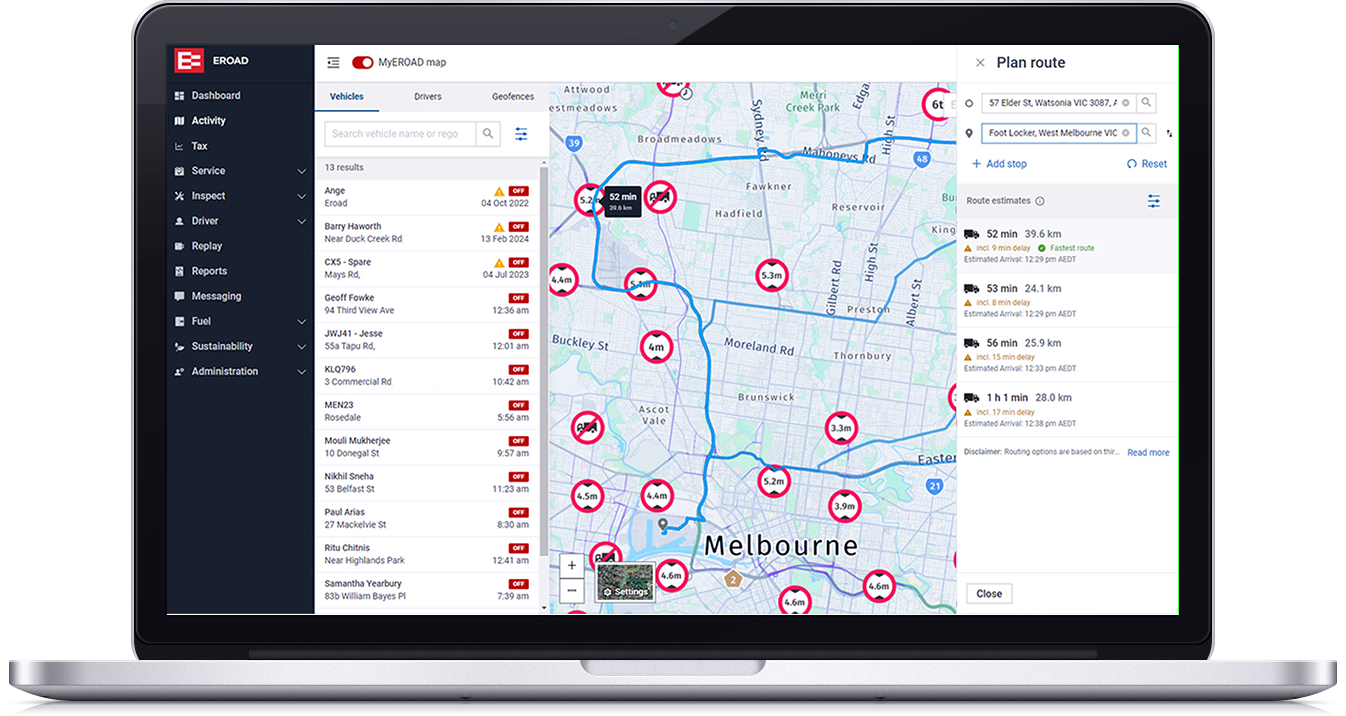
See where each vehicle is, with the driver and vehicle details alongside, in MyEROAD. Dispatch can choose who takes a job without ringing drivers to ask where they are or whether they can take it.

See fleet tracking

Routes that suit the vehicle and its load

Enter the vehicle's height, width and weight, and whether it's carrying hazardous goods, and route planning in MyEROAD works around the restrictions. You'll get an arrival time to match.

See route planning

See truck-specific road restrictions

MyEROAD fleet map lets you toggle on truck-specific restrictions - so you can see at a glance where those width, weight or height restrictions are - as well as including them in route planning.

Explore MyEROAD platform

Live traffic and business points of interest

MyEROAD fleet map focuses on business - that means highway exit numbers, dock numbers, truck rest areas, and more information in built-up zones - plus live traffic gives more accurate ETAs.

See the Fleet Map

Fleet data in the job software you use

Location, kilometres, trip history and geofence activity can flow from MyEROAD into job management software via integrations.

Explore job management

New jobs and changes sent to the cab

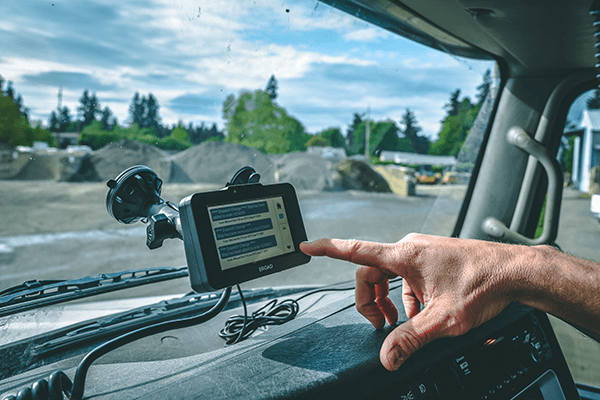
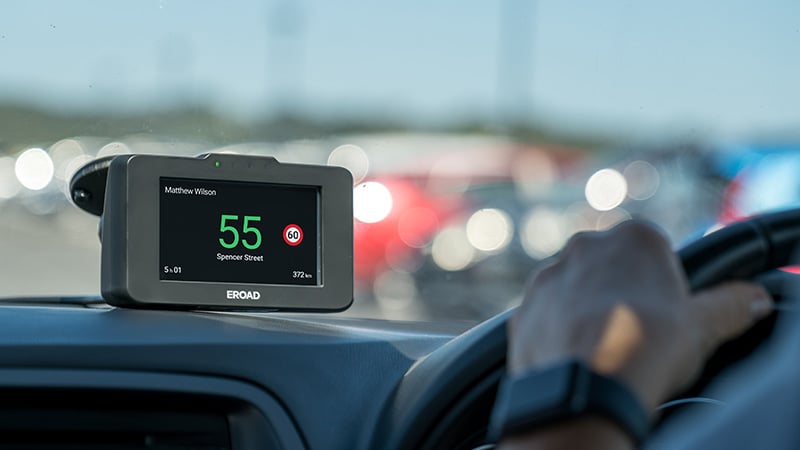
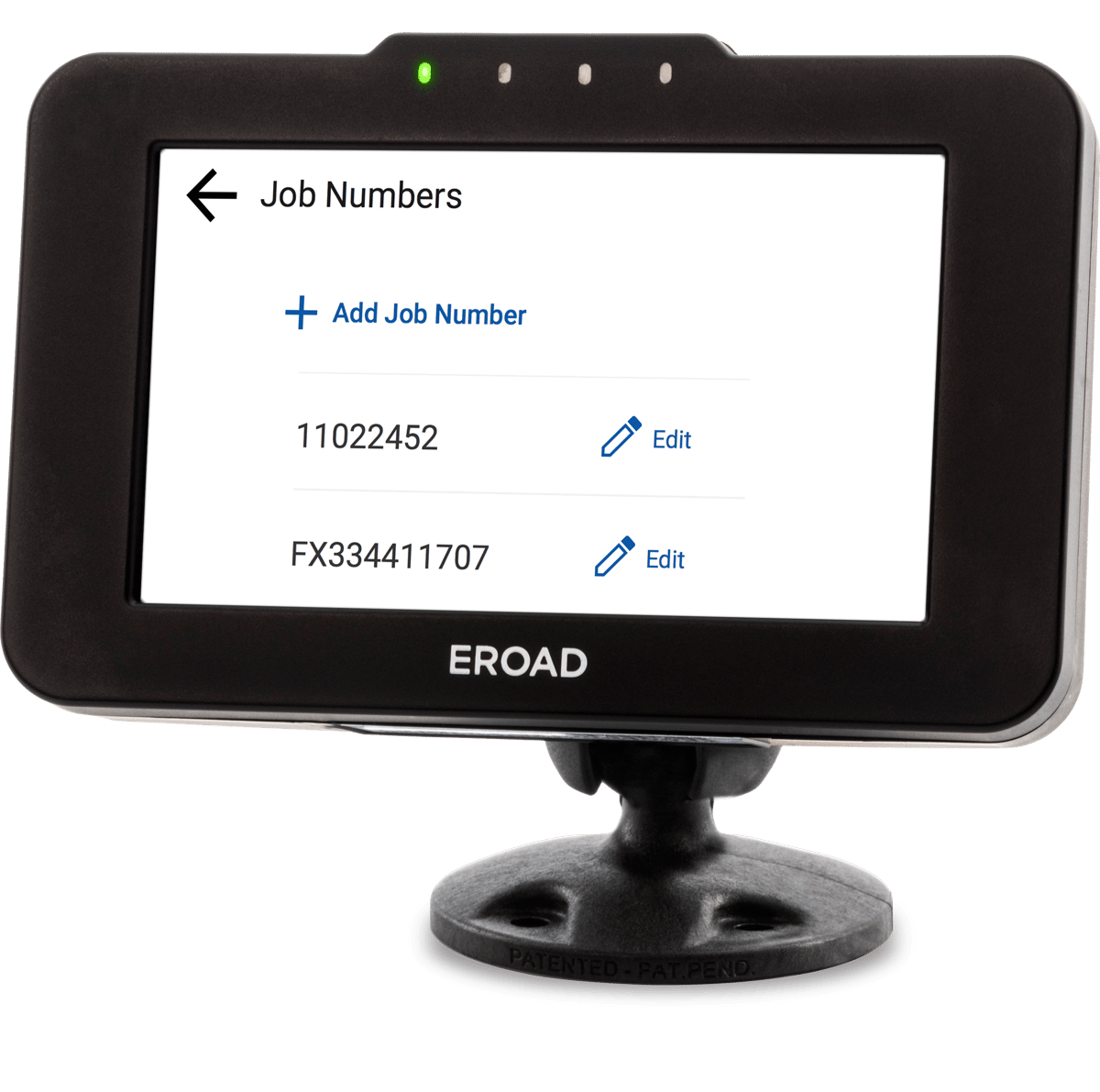
Send a new job or a change of plan to the Ehubo2 screen in the cab rather than the driver's phone. Drivers can only read and reply once the vehicle has stopped.

See driver communication

See how EROAD would fit your dispatch team

Tell us how you allocate jobs today and which software you use. We'll show you how EROAD would work alongside it.