Skip to content
Ehubo2 add-on

Real-time driver coaching in the cab

Coaching after the fact has its limits. Real-time driver coaching gives your drivers audio and visual feedback the moment they brake hard, corner sharply, accelerate harshly or go over the speed limit, so they can correct it there and then and you see less harsh driving and lower fuel use.

ehubo_posted_speed_AU_700
Why it matters

How real-time coaching helps

By the time a speeding report reaches your desk, the driver's long past the spot where it happened. Feedback on the screen reaches them in the moment, while they can still do something about it. And under the Chain of Responsibility (CoR), safety isn't left to the driver alone, so coaching in the cab is one practical way to back them up.

Drivers adjust in the moment

Drivers know the moment they're over the speed limit or braking too hard, and can adjust there and then.

Less speeding, lower costs

Speeding costs you in fines and fuel, and the faster a vehicle is going, the worse a crash will be. Less speeding can help with insurance costs too.

Less time reviewing trips

The screen does the reminding, so drivers can sort out their own habits and you're not stuck reviewing every trip.

Records for your CoR duties

The events behind the coaching are on record in MyEROAD, and they help show you run a proactive safety culture. That supports your CoR obligations.

Features

What your drivers see and hear

Harsh driving alerts

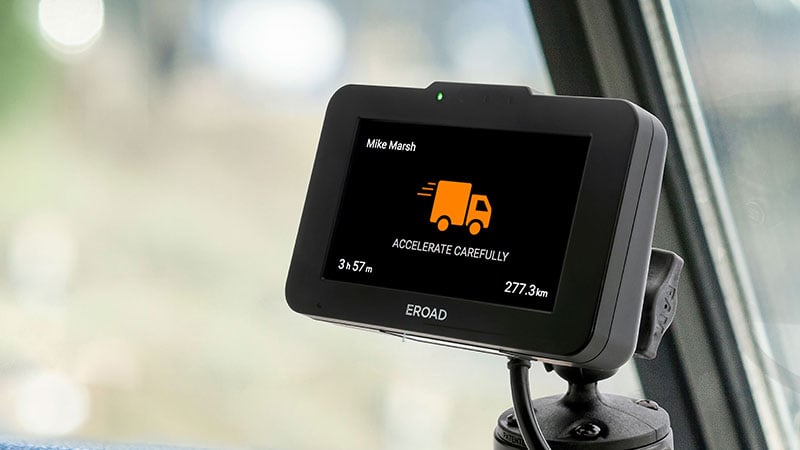
When a driver brakes hard, takes a corner too sharply or accelerates harshly, the Ehubo2 gives them an audio and visual reminder straight away. It helps them understand how their driving affects safety and fuel use. The reminders are on Ehubo2 Safe Driver Plus only, not Connected or Safe Driver.

Trip summary and score

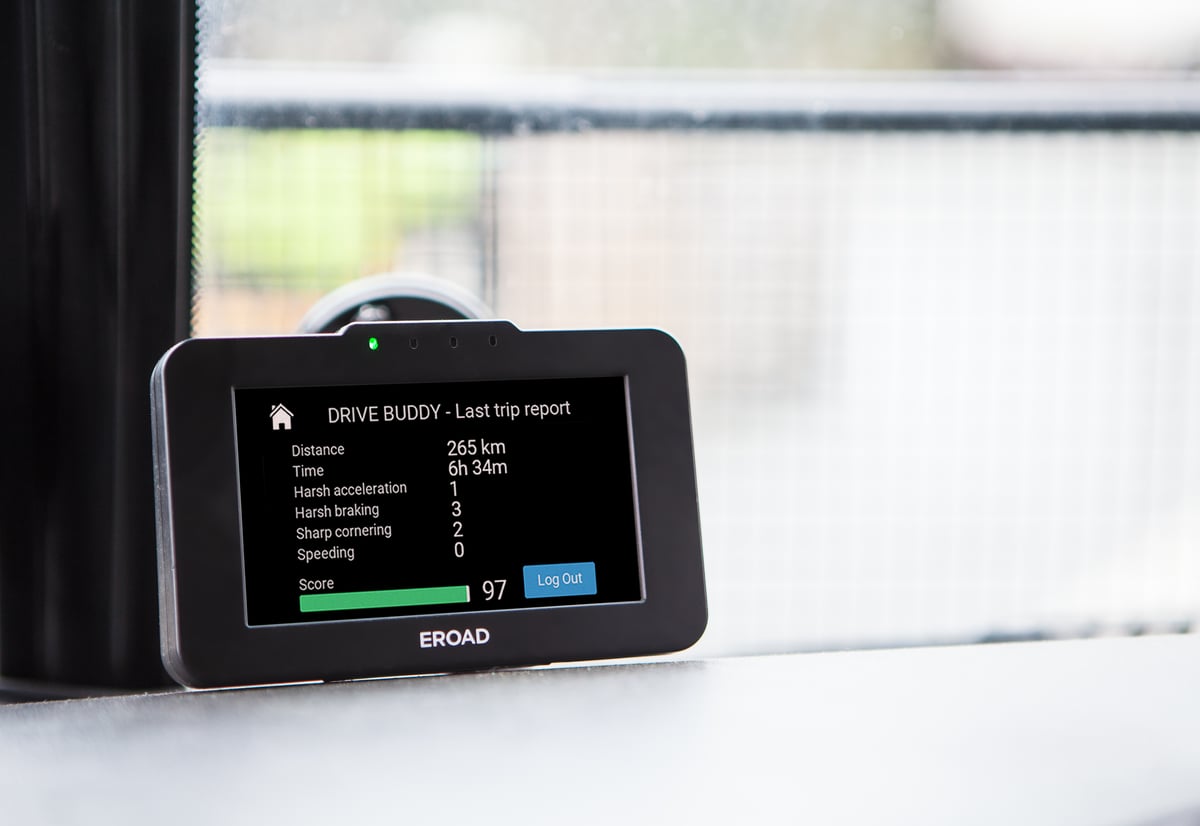
Once the ignition's off, the driver sees how they drove, with a summary and score covering speed and harsh driving. Back in MyEROAD, the driver safety report shows those events for each driver who logs in, so a coaching chat starts from facts you've both seen.

Posted Speed alerts

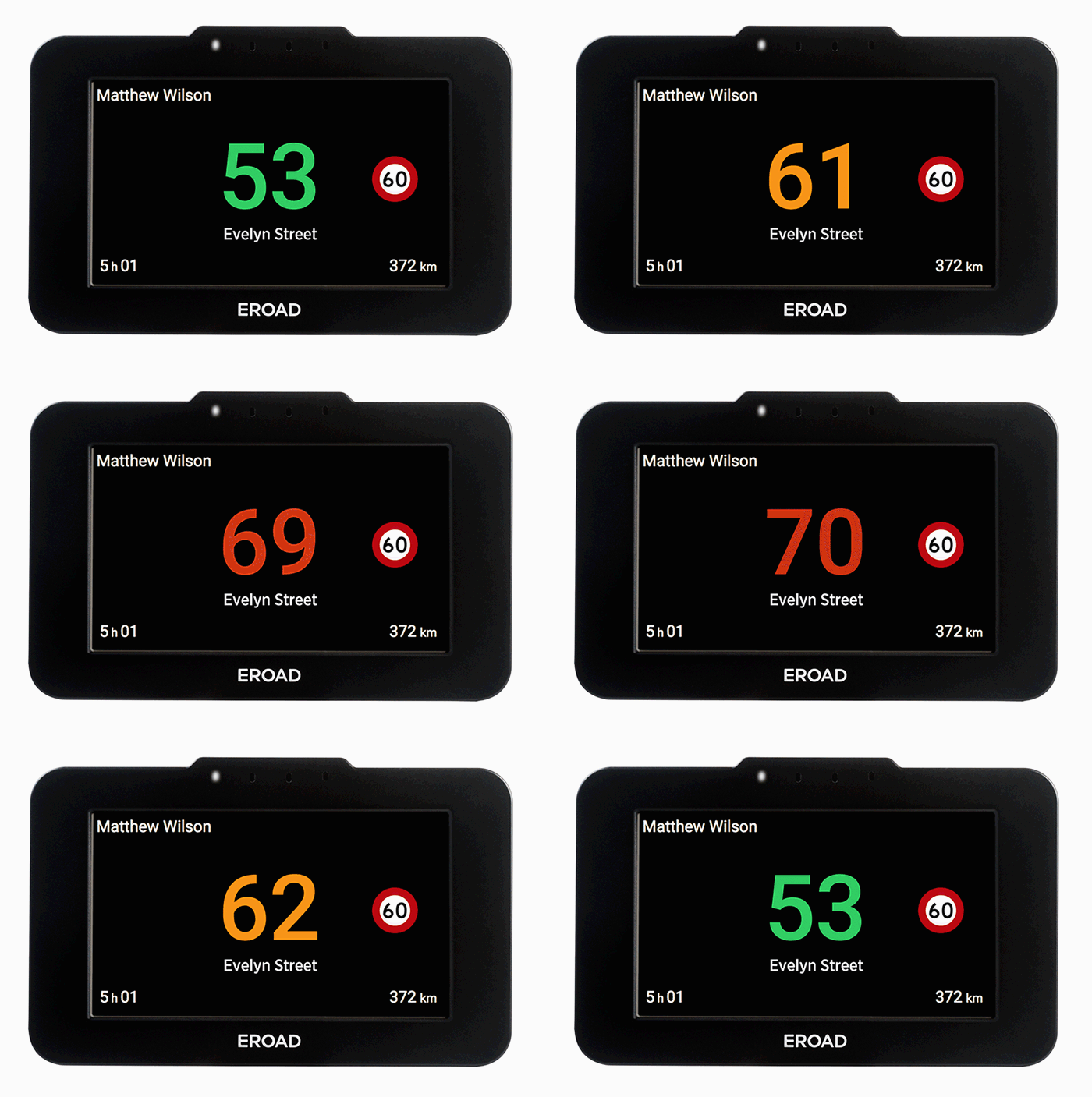
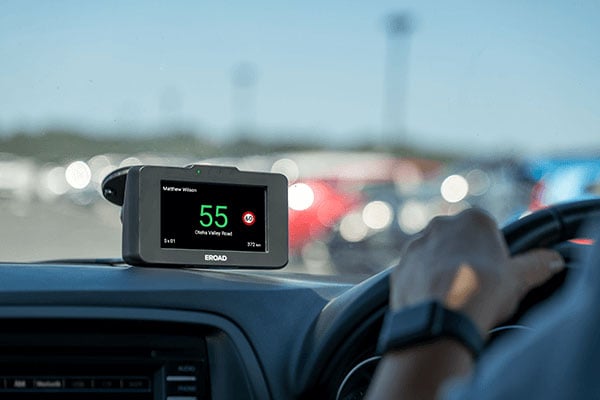
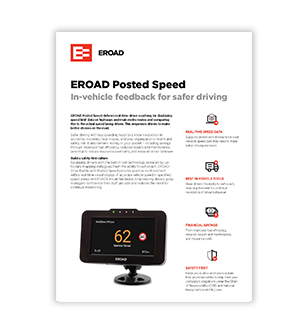
Posted Speed puts the vehicle's speed next to the legal limit for the road, on a red, amber and green display. It's meant as positive reinforcement: the driver keeps an eye on it and corrects as they go.

Connected platform

A better way to manage your fleet

Overspeed Dashboard

The Overspeed Dashboard shows which vehicles speed regularly, and where.

Site speed limits

Set your own limit for a yard or site, and monitor compliance in MyEROAD.

Leaderboard

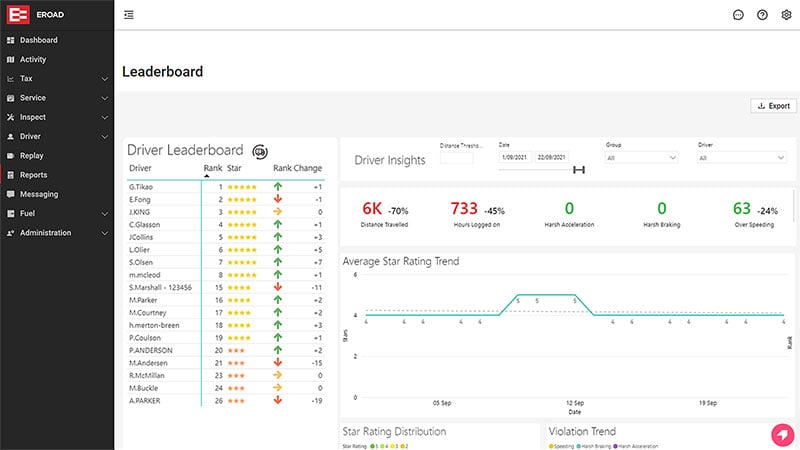
Trip scores count towards star ratings for drivers who log in with Driver Login.

See real-time driver coaching

We'll show you the driver's view and yours, set up around the vehicles you run. For the wider picture, see how EROAD helps with driver performance and coaching.