Skip to content
Tax and compliance

Proof of Service: automated contract reporting

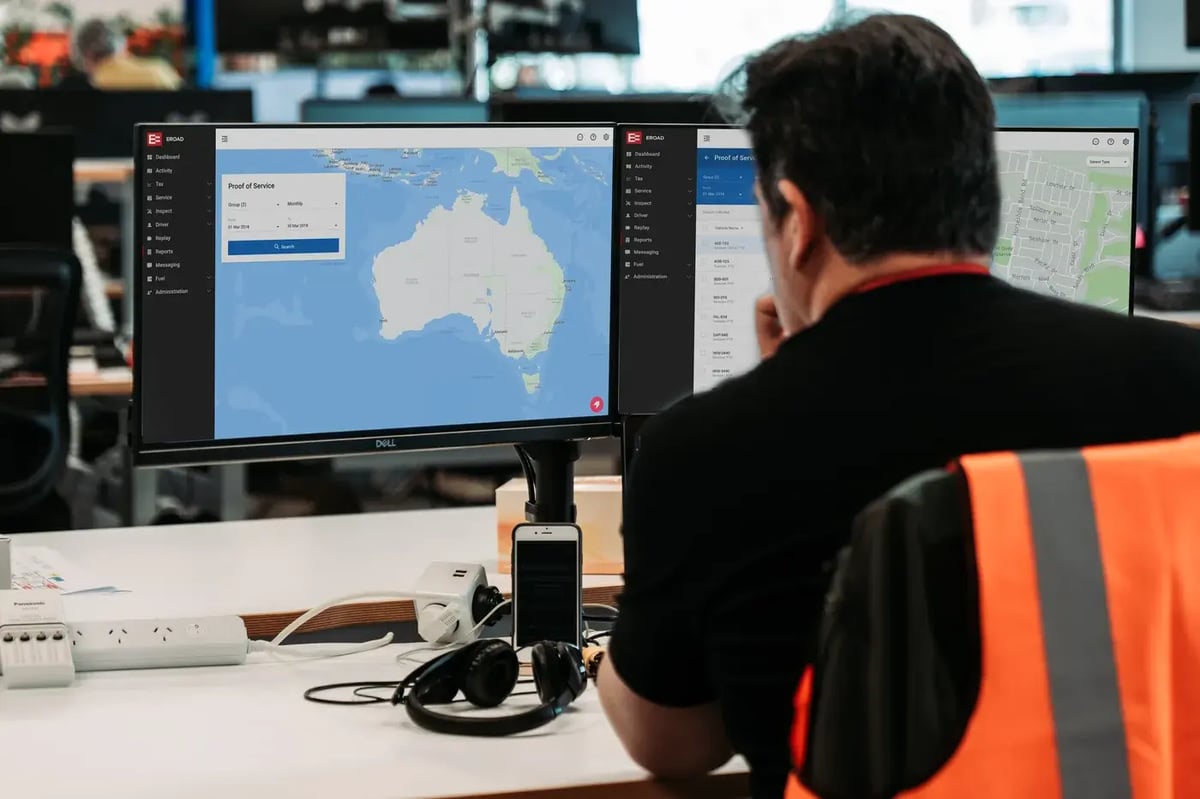
Show your clients what work was done on their contracts, without chasing paper sign-off sheets. Proof of Service automatically records when, where and for how long your equipment was working, so you can invoice with confidence and settle disputes quickly.

Proof of Service
Benefits

How Proof of Service can help

On civil and construction jobs, a disputed invoice can leave you wearing the cost when it's hard to prove what was done, with which equipment and for how long. Proof of Service uses your EROAD tracking devices to log auxiliary equipment activity as the work happens, so you've got a record to point to. If you also bill kilometres to specific jobs, see how EROAD helps with proof of service and invoicing.

A record your client can check

Swap the manual sign-off sheet for a record your client can check for themselves. It's easier to keep a client who can see the work was done.

Invoices you can back up

The equipment activity behind an invoice is on record before it goes out, so if a client queries an amount, you can show them where it came from.

Contract reports in less time

Because activity is logged while the work happens, a contract report is quicker to put together than one done by hand.

Features

What you'll be able to do with Proof of Service

Auxiliary equipment activity, logged as it happens

Once a vehicle's auxiliary equipment is connected to EROAD hardware, every sensor event is logged, with when and where it happened. That covers work like this:

  • Civil contracting, such as road sweeping, mowing and road marking
  • Construction, such as digging, rolling or grading

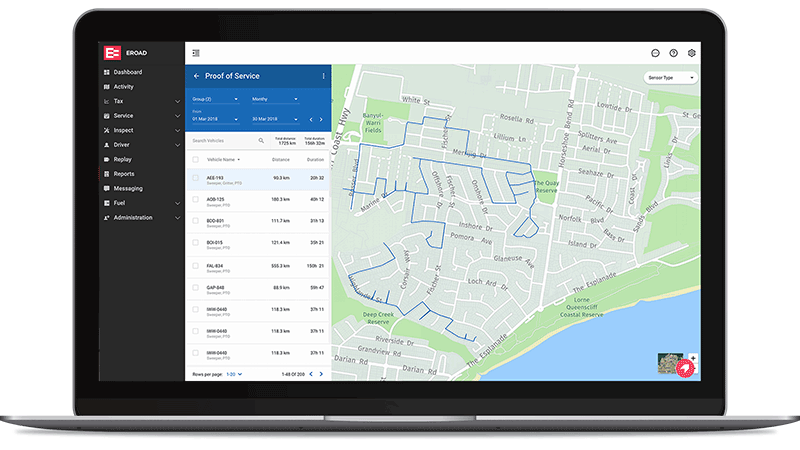
See activity on a map, or download the data

Two ways to look at the same record:

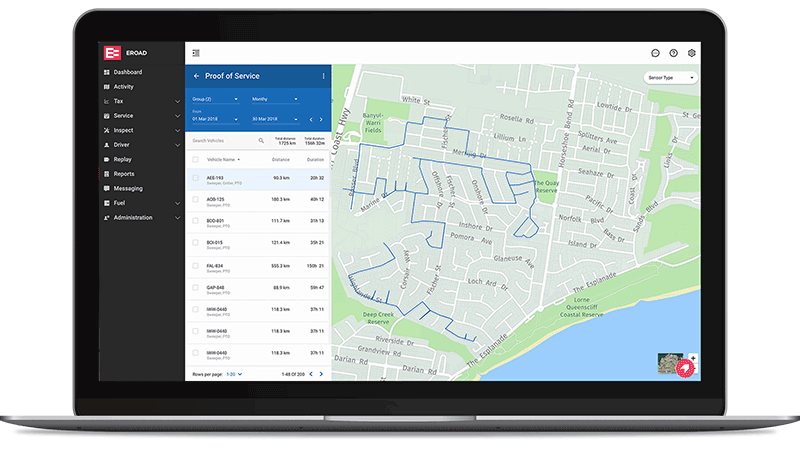
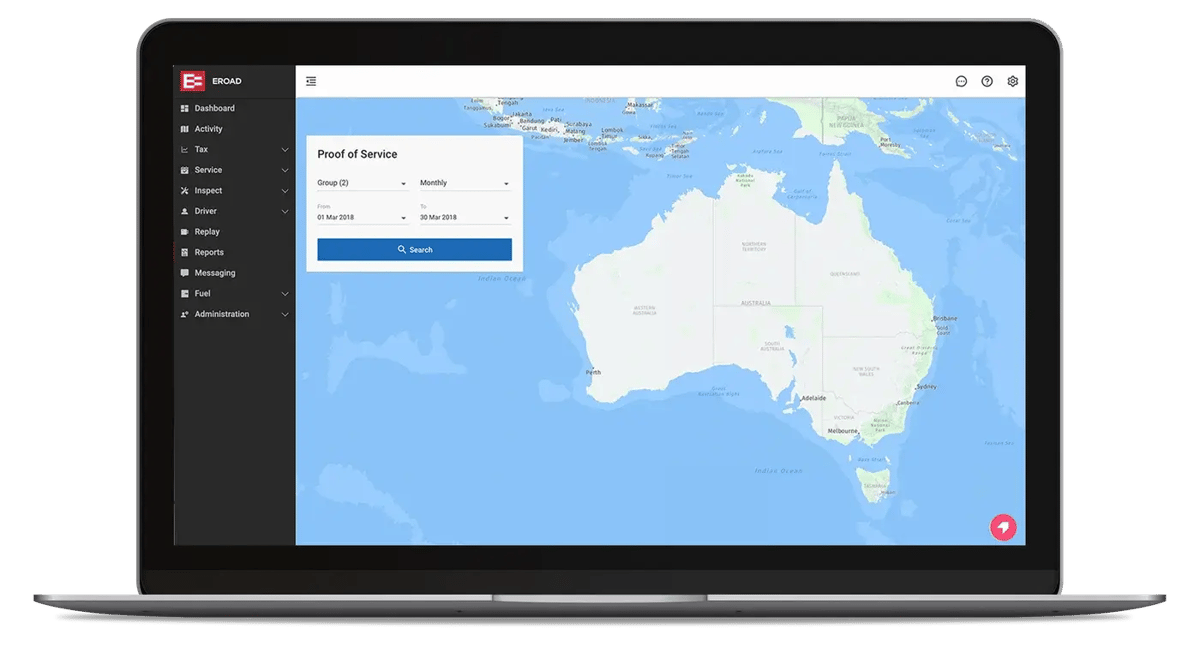
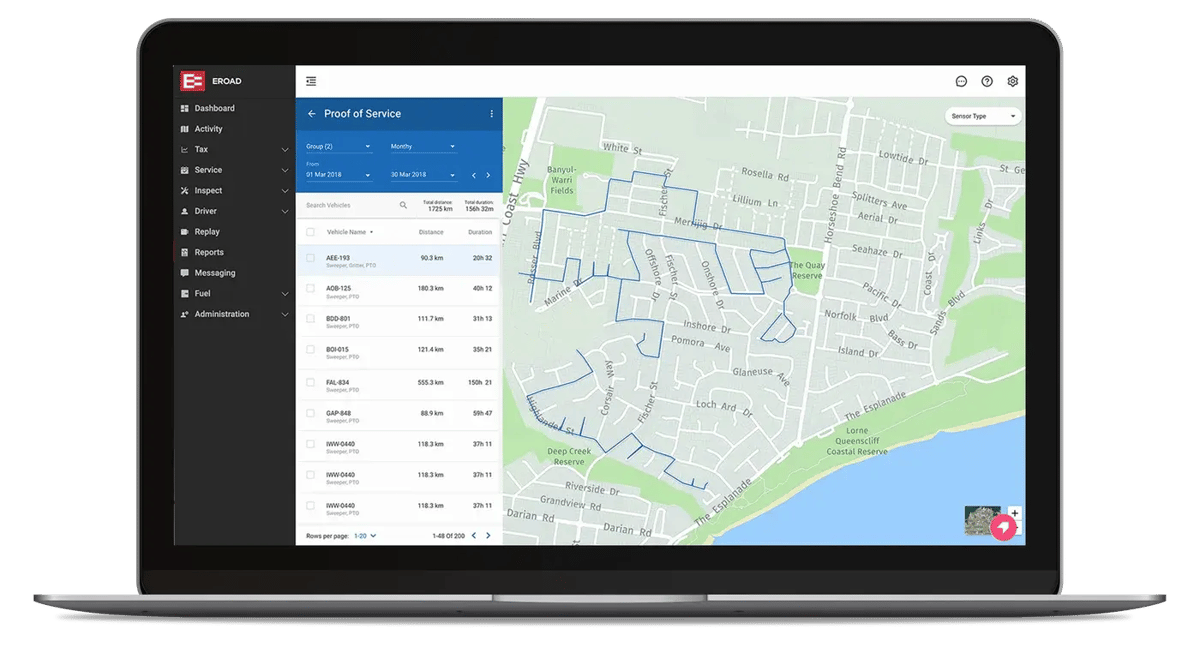
  • Auxiliary equipment activity on a map, with base and satellite layers, by day, week or month, for the vehicles or groups you pick
  • A CSV extract with the vehicle, activity type, date and time, road location from start to end, distance and average speed, for when a client wants the detail

A login for your client

You can set the contract owner up with their own access, so they can check the activity against their contracts without waiting on you.

  • Fewer reports for you to build and send
  • On civil maintenance and construction contracts, you're both working from one record when an invoice goes out or gets challenged
Works with

Part of the platform you already run

MyEROAD

The Proof of Service report lives in MyEROAD, next to everything else your fleet records.

Geofencing

See which vehicles and assets entered a site over a date range, and how long any auxiliary equipment ran.

Job coding

Add a job code to a trip, so you can bill the kilometres to the right job. Ehubo2 Safe Driver Plus only.

See how Proof of Service would work on your contracts

Pick one contract and tell us what the equipment does on it. We'll show you what its Proof of Service report would look like, and confirm which EROAD devices your vehicles need to run it.