Skip to content
Ehubo2 add-on

GeoAlerts: geofence messages for your drivers

Every site has its own rules and hazards, and your drivers need to know them when they arrive. GeoAlerts puts your message on the Ehubo2 screen as a vehicle enters or leaves a geofence, so site rules and safety reminders reach drivers without anyone having to remember to send them. 

ERD_Mockup_Ehubo2_Geo-Alerts_Lock-farm-gates_in-cab (1)

Send safety or operational messages to drivers based on their location

Your drivers already have a lot to remember. When they're driving between different sites, it sometimes pays to have a handy reminder about any site-specific rules or arrangements. 

" loading="lazy" title="Video" allow="autoplay; fullscreen; picture-in-picture" allowfullscreen>
Benefits

What you can do with GeoAlerts

GeoAlerts sends a simple on-screen message as a vehicle crosses a geofence.

Site rules and hazard reminders

Put the site's rules in the message, or a hazard worth knowing about. GeoAlerts sends it on its own, so nobody back at base has to remember to ring.

Alert drivers to safety hotspots

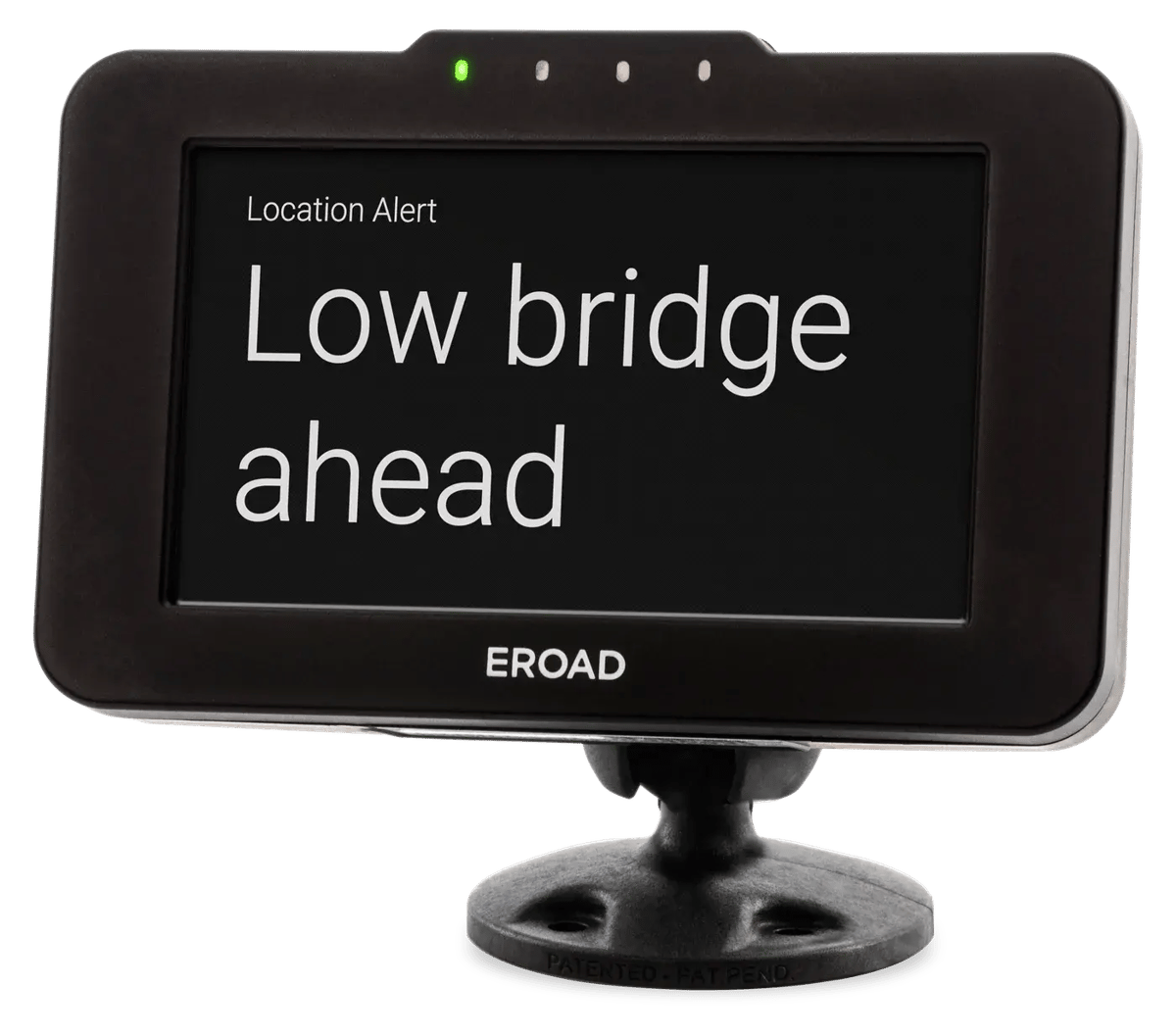
GeoAlerts aren't limited to your sites, you can also set up geofences around known safety hotspots like low bridges, sharp bends, or school zones.

Virtual Speed Camera

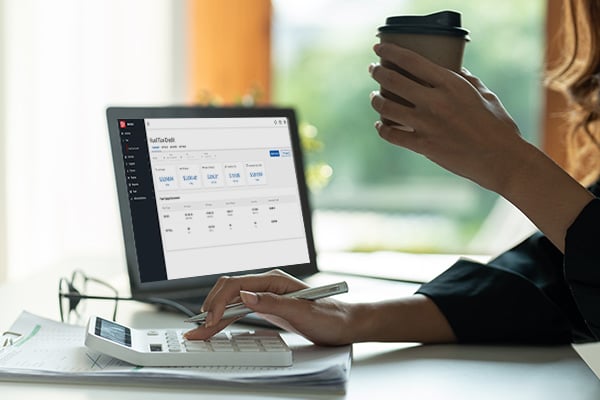
Set up a GeoAlert to remind drivers of the speed limit in a specific geofence - and get reporting on compliance in the overspeed dashboard.

Features

Geofences and alerts in MyEROAD

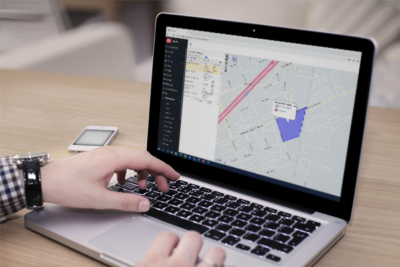
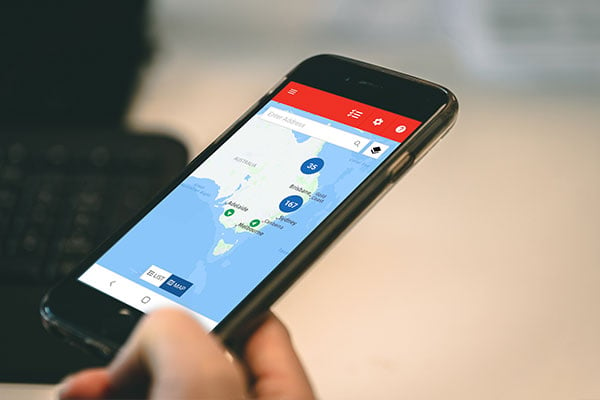
Create and view geofences

Put one around anywhere the comings and goings matter, whether that's your own depot, a client's job site or a safety hotspot.

Create your alerts

Add a short message to appear on entry, or exit from the geofence. Drivers will see it pop up on the Ehubo2 screen.

See how GeoAlerts would work on your sites

Tell us about the sites your drivers visit, and we'll show you in a demo what they'd see on the Ehubo2 screen as they pull in.