One platform, every kind of work.
The record each industry has to keep, kept for it.
Chain of Responsibility
The record your industry has to keep
See compliance
Choose the right solution for your fleet.
The outcome first, then the kit that delivers it.
Explore the full range of EROAD products.
Each range opens on the page that compares it.
Your reports can tell you which vehicle was speeding, but to coach the driver, you need to know who it was.
Once a driver logs in, there’s no doubt whose trip it is, for them or for you.
Talking to someone about their driving is easier when it’s their own trips and events you’re both looking at.
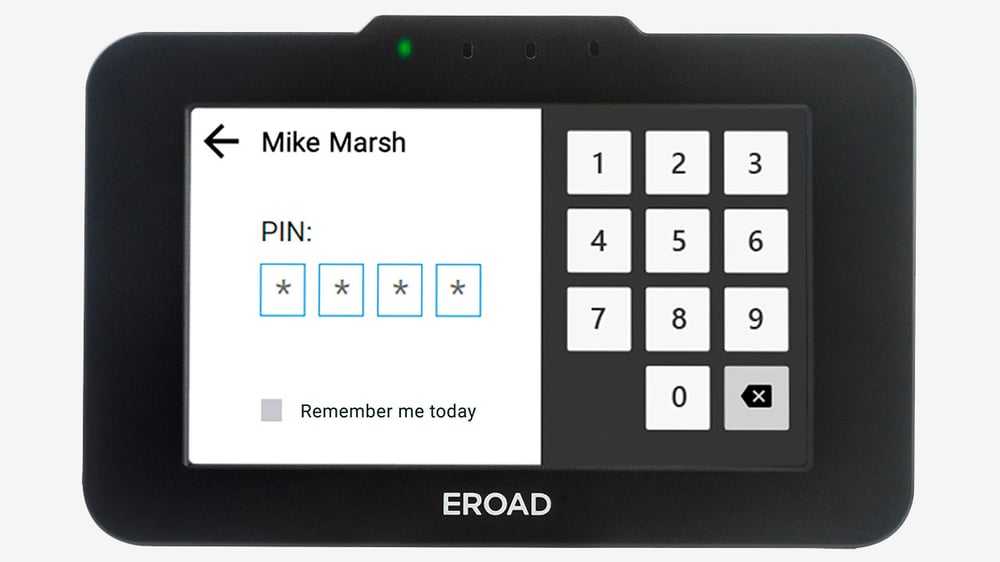
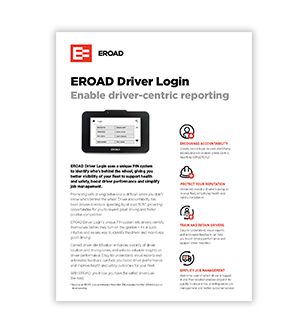
On Ehubo2 drivers enter a PIN. For Clarity Locate or Clarity Solo they tap with a fob to login. Easy.
That’s from an EROAD study comparing vehicles where the driver had logged in with vehicles that had no identified driver at the wheel. Once you know who’s driving, you can reward good driving and get some friendly competition going.
Source: EROAD study

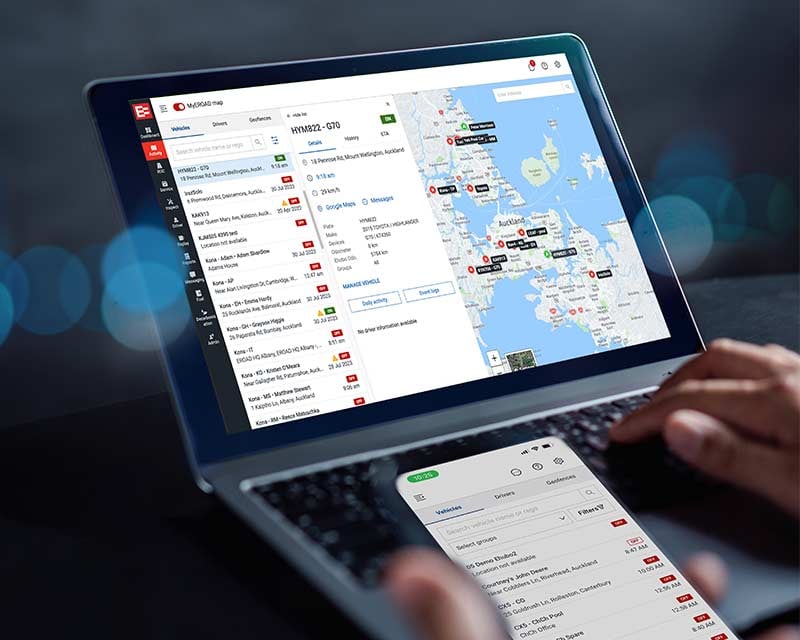
MyEROAD shows which driver is in which vehicle, and where. No ringing around to find out who can take the next job.
Every driver has their own PIN and keys it in as they start the trip. Forget, and the Ehubo2 reminds them, so more drivers are logged in before they set off. Vehicles with a Clarity device only get a fob that drivers tap once to login.
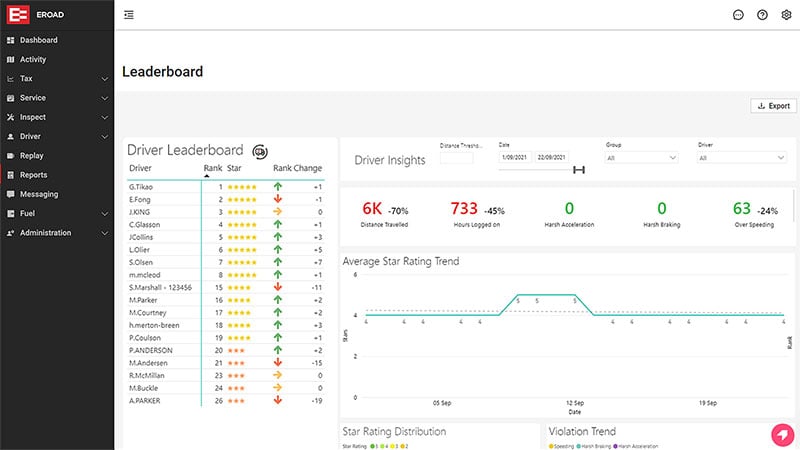
It’s hard to encourage safe driving when you don’t know who’s behind the wheel. Once you do, you can bring each driver’s own record into appraisals and reward programmes.
Geofence reporting in MyEROAD shows when vehicles come and go from a job site. With drivers logged in, it shows who was driving too, so you know who was where, and when.
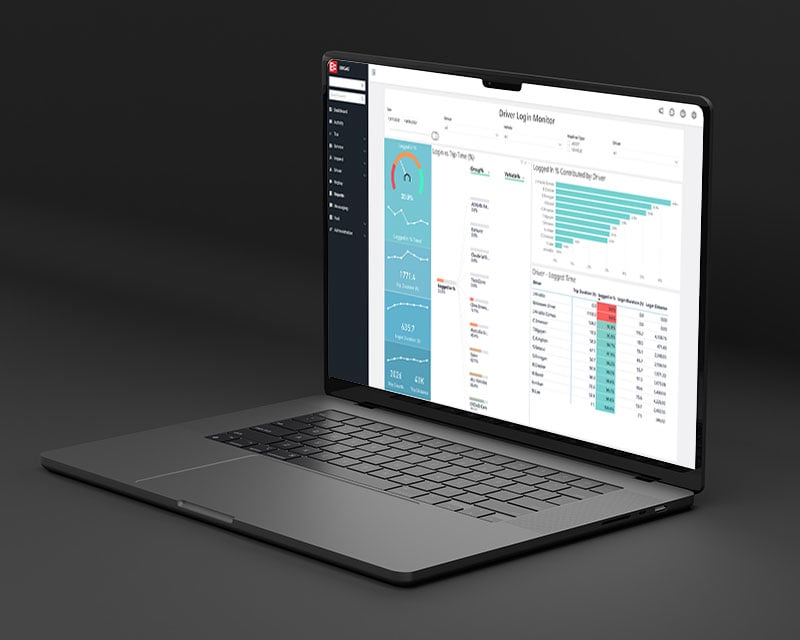
Driver Login Monitor tracks when drivers log in, so you can see how well your login policy is holding up and follow up before gaps appear in your records.
Trips and events sit under the driver’s own name.
Which driver was on which site, and for how long.
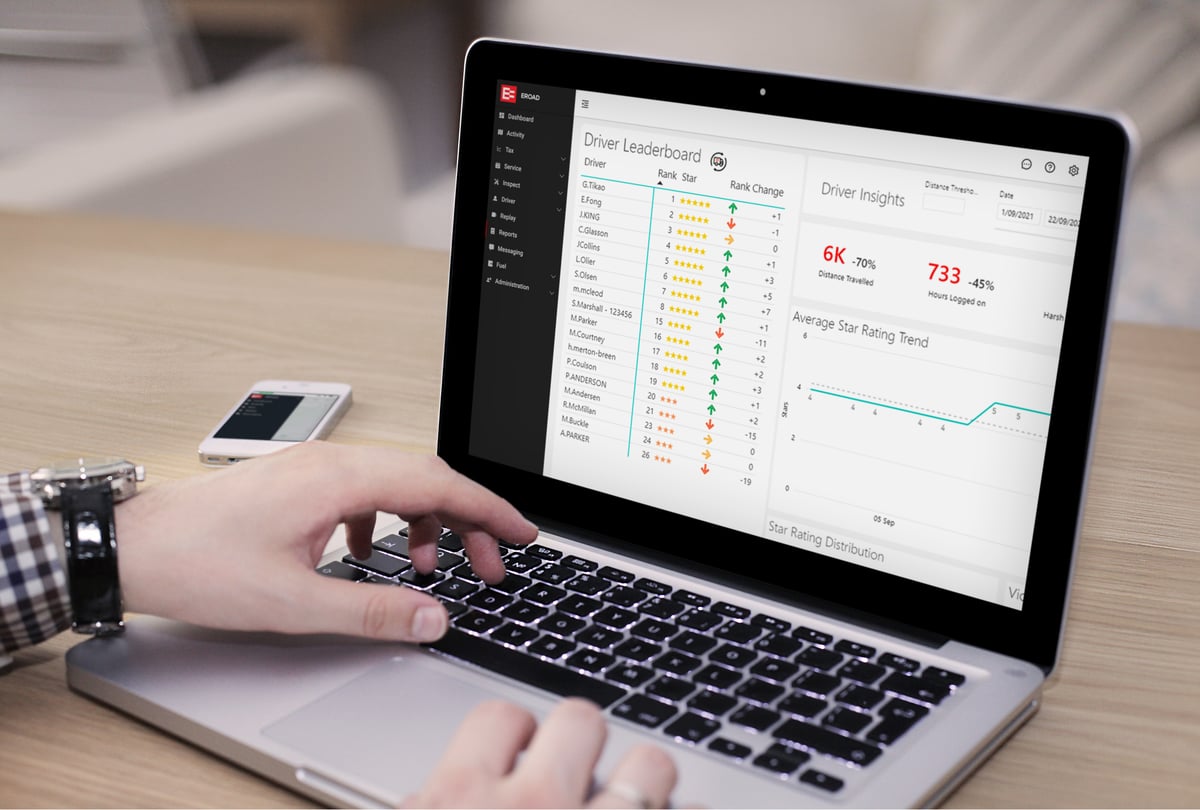
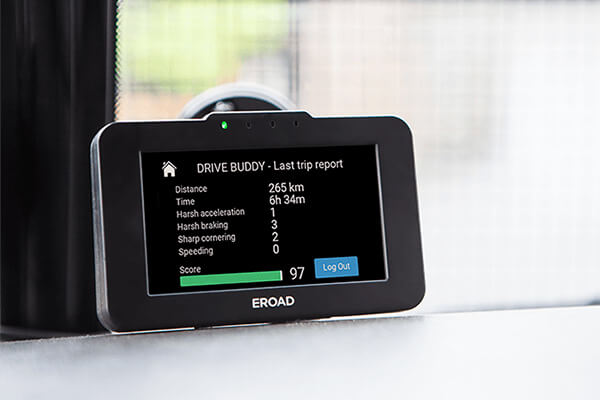
On Safe Driver and Safe Driver Plus, it ranks drivers instead of vehicles once they log in.
Find out which driver was behind the wheel of a vehicle, and when.
Read more
See what happened on the road, as well as who was driving.
Compare dashcamsThe key features in one PDF, to share with your team.
Download PDFTell us how many vehicles you run and who drives them, and we’ll show you what that looks like in MyEROAD.