Skip to content
Integrations

MyTrucking for job management and invoicing

Matching kilometres to jobs by hand is slow, and any that slip through are costs you don't get back. Connect MyTrucking to MyEROAD and each job picks up its distance and time straight from the truck. You invoice for the work that was actually done, with less for the office to key in.

Partner
MyTrucking
You'll need
MyEROAD and an Ehubo2 plan
Call us
1800 437 623
MyTrucking logo
The two systems

What EROAD and MyTrucking each do

EROAD

On the EROAD side it's the Ehubo2 in the cab, logging each trip the truck makes. Those trips are what MyTrucking matches to your jobs.

Explore EROAD solutions

MyTrucking

MyTrucking moves job management off paper and into the cloud. Jobs go out to drivers from there, and the office knows when each one's done without having to ring round.

From job to invoice

How the MyTrucking integration works

The MyTrucking logo with an arrow pointing to the EROAD logo
1

Job activity goes from MyTrucking to EROAD

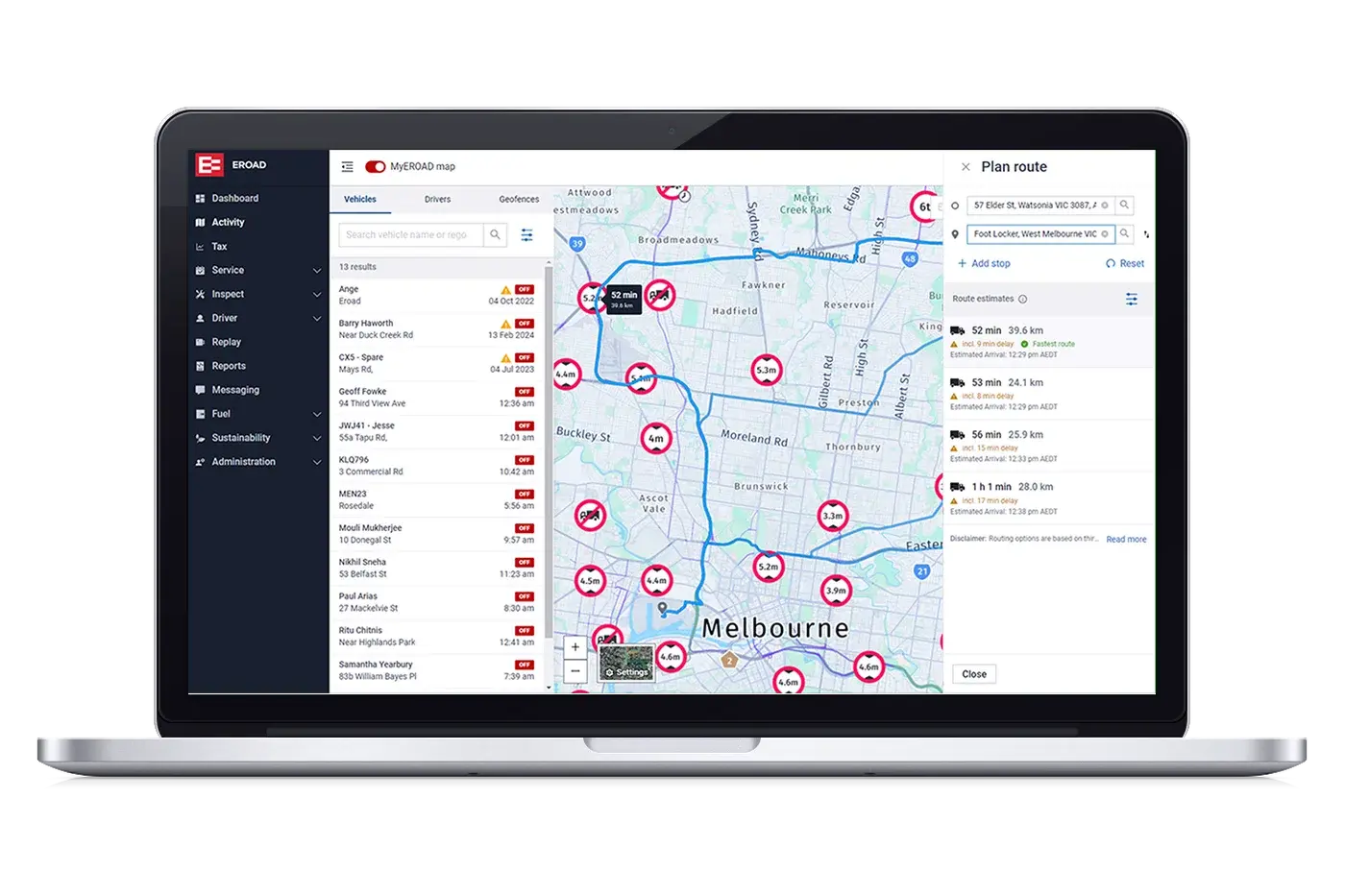
The MyEROAD map on a laptop, showing vehicle locations and a planned route around Melbourne
2

EROAD sends back distance, time and location

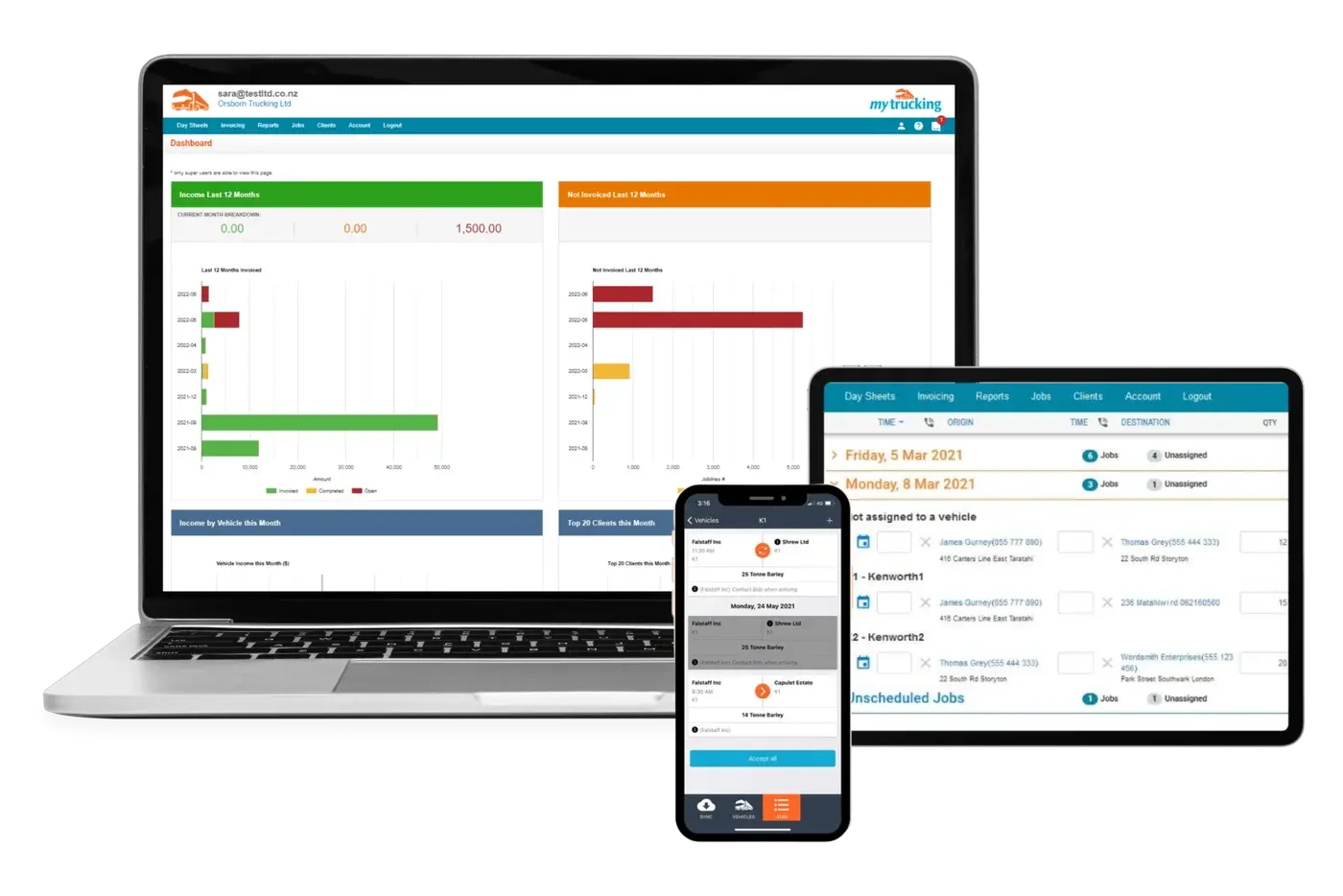
MyTrucking income dashboard, job and invoicing screens on a laptop, tablet and phone
3

Invoices and vehicle performance reports use those figures

What you'll need to use MyTrucking

MyTrucking connects to MyEROAD, so your trucks need an Ehubo2 plan to use it. It isn't available on MyGeotab. Not sure which platform you're on? Ask us and we'll check.

Talk to us about MyTrucking

Tell us a bit about your fleet and we'll walk you through both systems, or call 1800 437 623.

Book a demo

See the MyTrucking integration

Talk to an EROAD expert, or call 1800 437 623.