Etrack Where
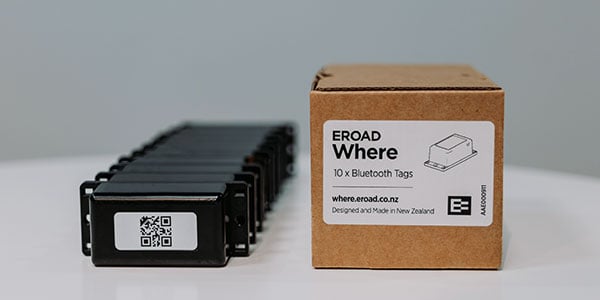
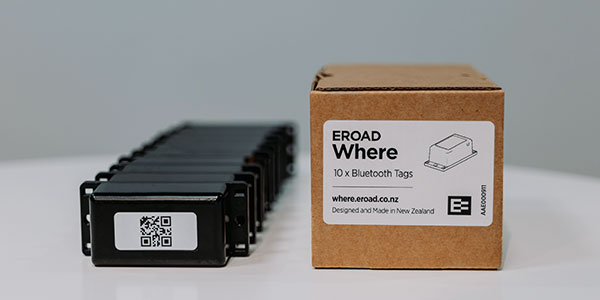
The one for attachments, freight cages and waste bins.
- Detection range
- 70 m
- Power needed
- None
- Typical asset
- Trailers, bins, cages
Choose the right solution for your fleet.
Supporting what matters most to your fleet
Explore the full range of EROAD products.
Find the right products for the job

Tools, attachments and bins that move between sites are easy to lose track of, and costly to buy or hire again. Etrack Where tags show you where each one was last picked up, on the same MyEROAD map as your vehicles, with no wiring or power supply needed.
Trusted by fleets across Australia and New Zealand






Once gear starts moving between yards and job sites, paper sign-out sheets and manual stocktakes rarely keep up. Tag each item and you'll see where it was last picked up, and which gear is hardly being used. Find out more about equipment usage and theft prevention.

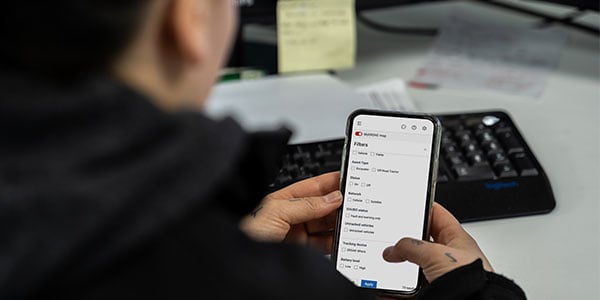
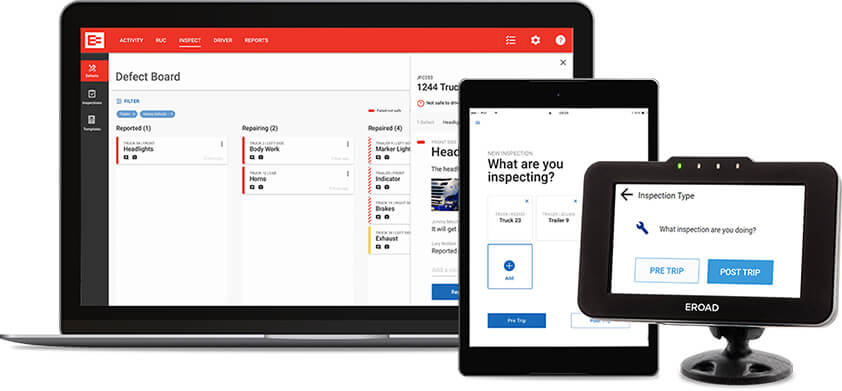
Vehicles and tagged assets share the same map in MyEROAD, so there's no second system to check.
The last place a tag was picked up is usually enough to find it, even on a big site.
If an attachment goes missing, check where its tag was last seen before you hire another.
Ehubo2 units in vehicles scan for tags as they pass, and so do phones running the Where app. Together they make up the EROAD Bluetooth mesh network, which is why a tag doesn't need a SIM or a GPS of its own.
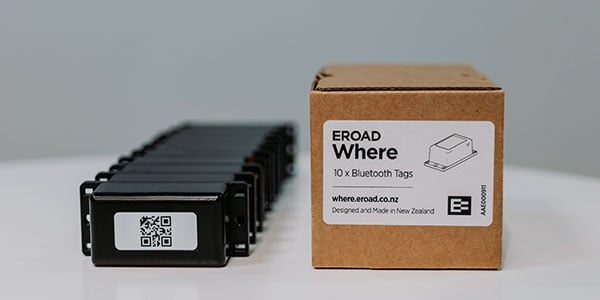
A trailer has room for the bigger Where tag, which gets picked up from further away. A power drill doesn't, so it gets the Where Mini.
The boundaries around your depots and job sites in MyEROAD apply to tagged gear as well as vehicles. Nothing needs setting up twice.
The one for attachments, freight cages and waste bins.
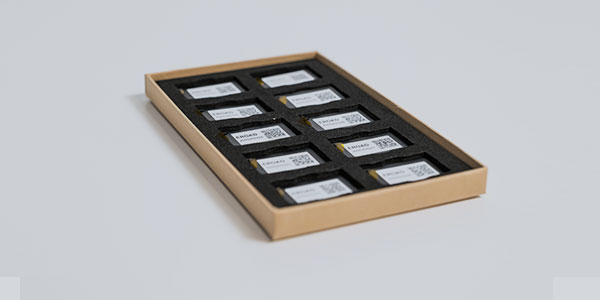
For smaller, high-value items like power tools.
Perfect for all our non-motorised, non-powered items and attachments.
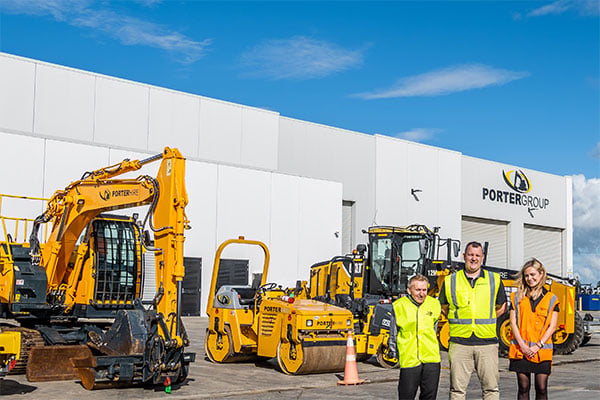
Porter Group hires out machinery across New Zealand. On one big job site with about 100 machines, finding the right one could take half a day. The plan was two full-time technicians, just to find them. Porter tagged every machine instead, saving the client $2,000 to $3,000 a day over a 12-month project.
Ken Reilly, group asset manager
Porter Group
Look back through where each tag's been picked up, not just the latest sighting.

Every Ehubo2 in a cab doubles as a tag reader.

Phones running the app also scan for tags, extending coverage into yards and depots.
How a hire business keeps tabs on its attachments, and finds machines when they're due a service.
Read more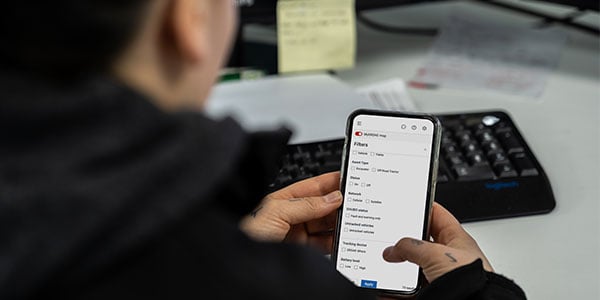
A courier that no longer sends trucks out just to fetch empty cages.
Read more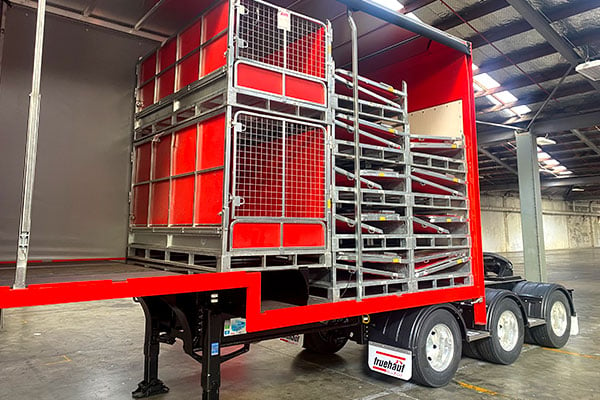
A sensible first read if you've never tracked gear before.
Read more